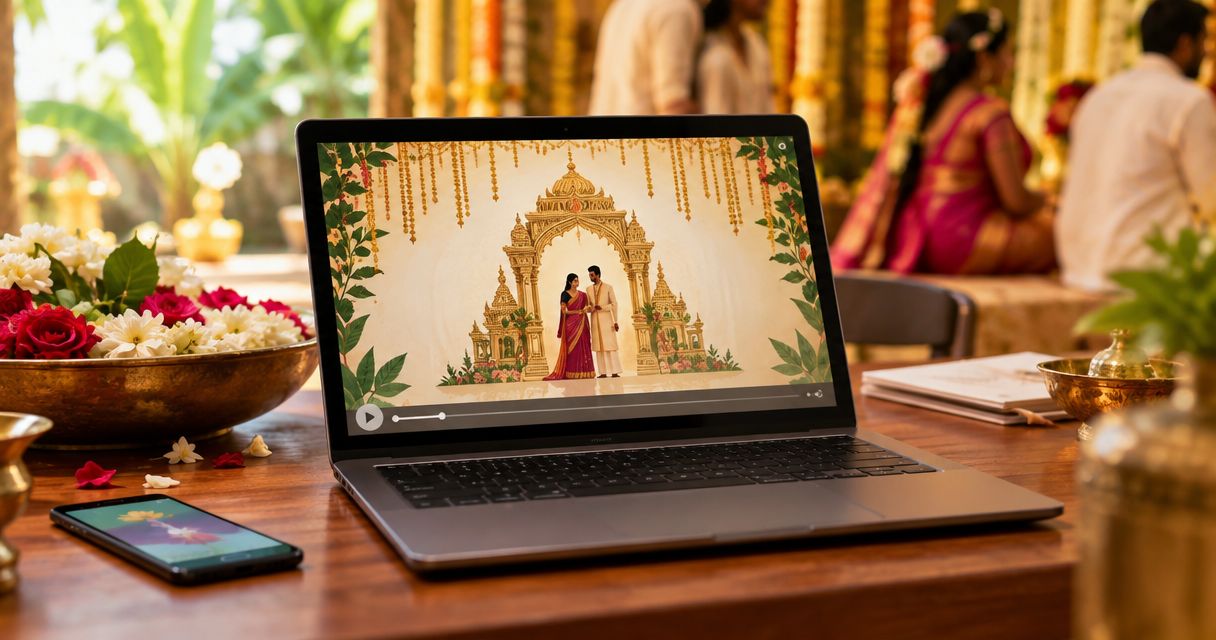
Best overall south indian wedding invitation video maker: Selfanimate for families who want to customise an animated invitation template. Best for designing the layout yourself: Canva. Best for a slide-based invitation: Microsoft PowerPoint. The right choice depends on how much editing you want to do, not how many effects a video editor offers.
- Selfanimate is the best south indian wedding invitation video maker here for a template-led animated invitation.
- Choose Canva when you want to control the invitation layout yourself.
- Use Microsoft PowerPoint when your wedding details already live in slides.
- Check names, script and ceremony details with family before you share the final video.
Why this matters
A wedding invitation video has a small job with big consequences: tell guests whose wedding it is, when and where to attend, and which ceremony they are invited to. A beautiful animation cannot fix a misspelled name or a missing venue. For a South Indian wedding in 2026, the first decision is whether you want an invitation template to customise or a design you build yourself.
There is no single South Indian invitation style. A Tamil, Telugu, Kannada or Malayalam invitation can call for different wording, scripts and ceremony details. Start with your family's preferred language and customs; treat visual motifs as choices, not requirements. If relatives are reading on phones abroad, make the essential details easy to spot without pausing the video.
What makes the best South Indian wedding invitation video maker?
Use these criteria before you choose a tool. They measure whether you can finish an accurate invitation, not whether an editor has the longest feature list.
- Starting point: Can you begin with an invitation-style template, or must you design every scene?
- Text control: Can you make names, dates, venue details and family wording readable throughout?
- Script check: Can you inspect every character in Tamil, Telugu, Kannada, Malayalam or English before sharing? Check the chosen font and export rather than assuming they match the editor view.
- Visual fit: Can you choose imagery that suits this wedding instead of using a generic cultural mix?
- Playback check: Can you review the finished video on the kind of phone your guests will use?
- Effort: Does the editing workflow suit the person in your family who will make the last-minute correction?
Pick the tool that makes corrections easy. The person who notices a venue spelling error is often not the person who built the animation. A simple edit matters more than another transition.
At a glance: which maker fits your invitation?
| Maker | Best for | Standout feature | Key limitation |
|---|---|---|---|
| Selfanimate | Customising an animated invitation template | Invitation-led starting point | Less suitable when you want to build every frame from scratch |
| Canva | Designing your own invitation layout | Visual layout control | You must judge whether the chosen design fits your ceremony |
| Adobe Express | Combining design and video editing | Design tools within a video workflow | More editing decisions than a straightforward invitation template |
| Microsoft PowerPoint | Turning a prepared slide invitation into video | Familiar slide-based editing | You build the invitation structure yourself |
These are workflow recommendations for 2026, not claims that every tool includes a particular South Indian design or supports every script in every template. Open a relevant design, enter a sample line in your chosen language and inspect the output before committing to it.
1. Selfanimate: best for a template-led animated invitation
Selfanimate is an online video maker for customised animated invitation and greeting videos. It suits someone who wants to start with a template rather than learn a general-purpose video editor. For this south indian wedding invitation video maker shortlist, that direct route makes Selfanimate the default pick for families prioritising a finished invitation over detailed frame-by-frame control.
Selfanimate pros:
- Starts from the kind of video you are making: an invitation.
- Lets someone without editing skills customise a template.
- Keeps the task focused on invitation content rather than a blank editing project.
Selfanimate cons:
- A template-led approach is a poor fit if you want to draw and animate every element yourself.
- You still need to check that the available design, text display and final video suit your language and ceremony.
Best for: A family member who wants to make an animated wedding invitation without learning a broad video editor.
Verdict: Buy for the template-led job; skip it if full control over every frame is your priority. In 2026, examine the current template and review your actual wording before deciding it is the right fit.
2. Canva: best for designing the layout yourself
Canva is a design editor with video-making tools. Choose it when you want to arrange text, images and scenes yourself rather than work within an invitation-focused template. That control is useful when your family has specific wording, a particular order for ceremonies or artwork it wants to use.
Canva pros:
- Gives you direct control over the arrangement of invitation details.
- Works for a design-first process in which you decide the look before the motion.
- Lets you keep separate pieces of event information on separate scenes.
Canva cons:
- You must choose or create a visual style appropriate to your wedding; a general design tool cannot make that decision for you.
- More layout freedom means more opportunities for crowded text and inconsistent scene timing.
Best for: Someone comfortable making design choices who wants an invitation shaped around family-specific content.
Verdict: Buy for layout control; skip it if you want the shortest path from template to invitation. For a 2026 wedding, test your chosen script in the design and in an exported video. A font that looks attractive in a thumbnail still has to make names and venue details legible.
3. Adobe Express: best for a design-and-video workflow
Adobe Express combines design tools with video editing. It is a fit when you want to assemble an invitation as a visual project and make changes to its scenes. Treat it as an editor, not as proof that a particular regional wedding style is available.
Adobe Express pros:
- Puts design and video work in the same workflow.
- Gives you room to make deliberate choices about text placement and scene order.
- Suits an invitation that needs more hands-on assembly than a simple template edit.
Adobe Express cons:
- A broader editor leaves more decisions to you than an invitation-led maker.
- You need to check the actual design and exported text against your family's language requirements.
Best for: Someone who wants to make design and video decisions together and is comfortable reviewing each scene.
Verdict: Hold unless you want that extra editing control. If the invitation wording is ready and the goal is simply to customise an animated design, an invitation-focused starting point is more direct.
4. Microsoft PowerPoint: best for a prepared slide invitation
Microsoft PowerPoint can export a slide presentation as a video. It makes sense when someone in the family already has an invitation drafted in slides or prefers editing text there. Each slide can carry a clear piece of the message, such as the couple's names, ceremony details or venue.
Microsoft PowerPoint pros:
- Keeps wording editable in a familiar slide format.
- Makes it straightforward to separate dense event details across slides.
- Provides a route from an existing presentation to a video.
Microsoft PowerPoint cons:
- You must prepare the invitation design and decide how the slides become a coherent video.
- A presentation export is not, by itself, a wedding-invitation template.
Best for: A family member starting with an existing slide invitation rather than an animated template.
Verdict: Buy for an existing slide-based draft; skip it when you want an invitation ready to customise. Review the exported video on a phone before sending it in 2026. Slide text that reads well on a large screen can be harder to read in a message.
How to make the right video without redoing it
Choose the editor after you have the invitation content. Write down the couple's names exactly as they should appear, the ceremony name, date, time, venue and any directions guests need. If several events have different guest lists, decide whether you need separate invitations rather than squeezing everything into one video.
Next, choose the main reading language. If you use more than one script, check line breaks and names in every version. Ask a fluent family member to review the text; spellcheck alone does not settle preferred spellings, honorifics or ceremony terminology. Do this before you spend time polishing animation.
Finally, check the viewing shape. A 9:16 vertical aspect ratio suits a phone-first viewing plan; a 16:9 horizontal aspect ratio suits a wider presentation; a 1:1 square aspect ratio is another compact layout choice. Those ratios describe the video frame, not a promise that every tool or template offers every format. Choose the layout your intended sharing method calls for, then confirm it in the editor.
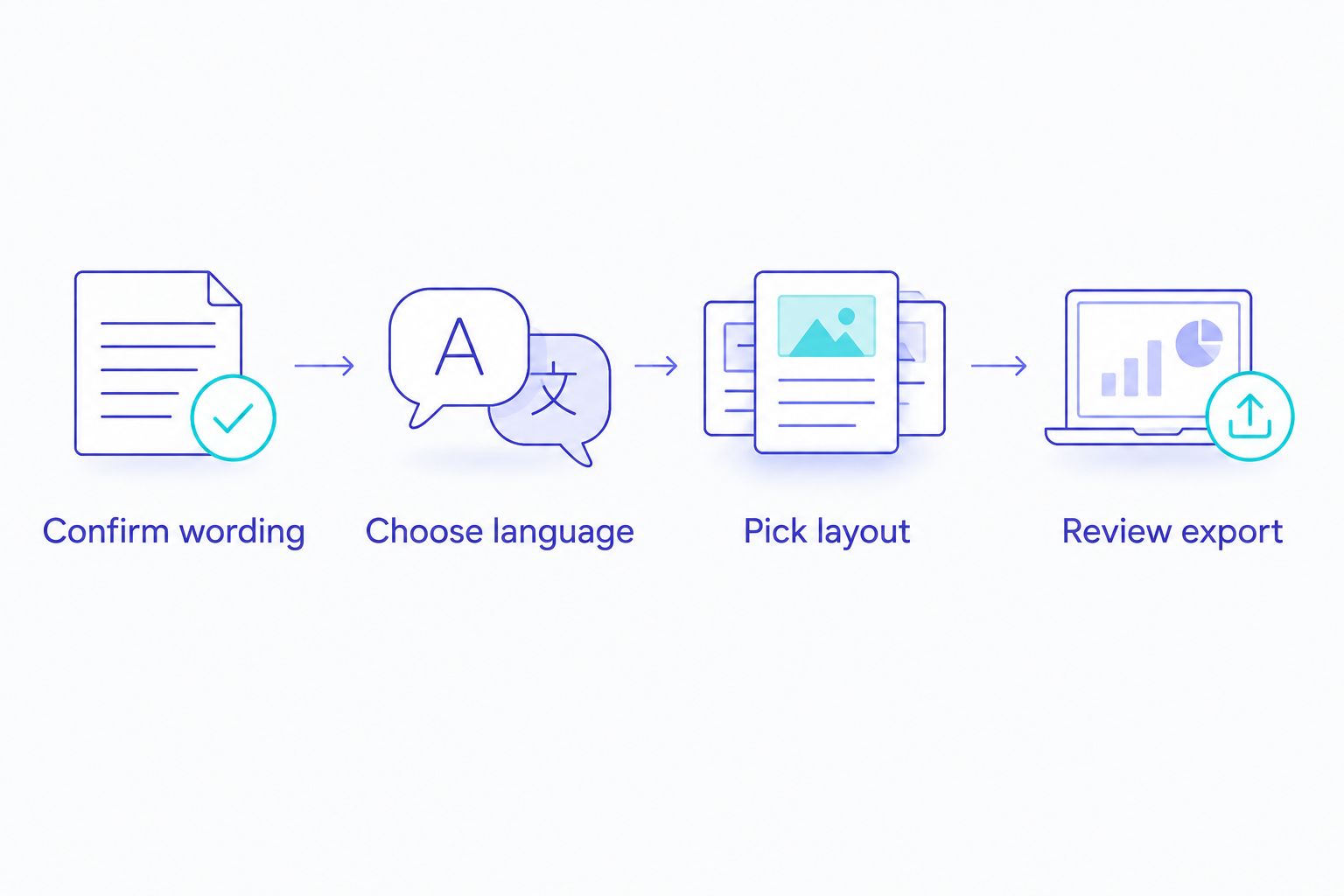
Do a final playback without stopping the video. Can you read the names and venue as a guest would? Then pause it and check every character. In 2026, an invitation can travel quickly through family chats, so correct the source video before anyone forwards an outdated version.
Start your invitation video
Browse animated invitation templates and check the design against your wedding details.
How we ranked the options
The order follows the job in the search: make a South Indian wedding invitation video with a clear, accurate message. An invitation-led tool ranks first for someone who wants to customise a template. General design editors move up when control over layout matters more than a guided starting point, while PowerPoint is strongest when the invitation already exists as slides. This is a comparison of workflows, not a claim based on testing every template.
Before settling on any maker in 2026, put your real ceremony wording into a candidate design. Look at the names first, then the date and venue. If any of those are difficult to read or edit, switch designs or tools rather than asking guests to work around the video.
Which maker should you choose?
Choose Selfanimate if you want an animated invitation template you can customise without editing skills. Choose Canva when you want to design the layout yourself, Adobe Express when you want a broader design-and-video workflow, or Microsoft PowerPoint when you are working from slides. Each serves a different starting point; none removes the need for a careful family review.
For a South Indian wedding in 2026, start with the actual ceremony and language, not a generic wedding look. Show the draft to someone who can check the script and to someone who has not seen the invitation details before. If both can understand it on a phone, the video is doing its job.
FAQ
What is the best south indian wedding invitation video maker in 2026?
Selfanimate is the best fit here for someone who wants to customise an animated invitation template without editing skills. Choose a general design editor instead if you want to build the layout yourself.
Is Canva better than Selfanimate for a South Indian wedding invitation?
Canva is better when you want to design the layout yourself; Selfanimate is better when you want an invitation-led template. Check your actual language and ceremony wording in either design before sharing.
Can I make a Tamil, Telugu, Kannada or Malayalam wedding invitation video?
You can plan an invitation in your family's preferred language, but check the chosen editor, font, template and exported video with your actual text. Do not assume every design displays every script correctly.
What details should a South Indian wedding invitation video include?
Include the couple's names, the ceremony being announced, the date, time and venue. Add other event details only when they are relevant to the guests receiving that video.
Should I use a vertical or horizontal invitation video?
Choose a vertical layout for a phone-first plan and a horizontal layout for wider-screen viewing. Confirm the available formats in your chosen tool and review the exported video where guests will watch it.
Is PowerPoint suitable for a wedding invitation video?
Microsoft PowerPoint is suitable when your invitation is already drafted as slides because it can export a presentation as video. You still have to design the slides and check whether the result reads well on a phone.
How do I check a wedding invitation video before sharing it?
Play the export on a phone, then pause to verify names, script, ceremony, date, time and venue. Have a family member review the wording before the video is forwarded.
One last thing
Ask one person who did not help make the video to watch it once, without pausing, and tell you where and when to arrive. If they cannot answer, simplify the invitation before changing its effects. The clearest invitation is the one your guests can act on.