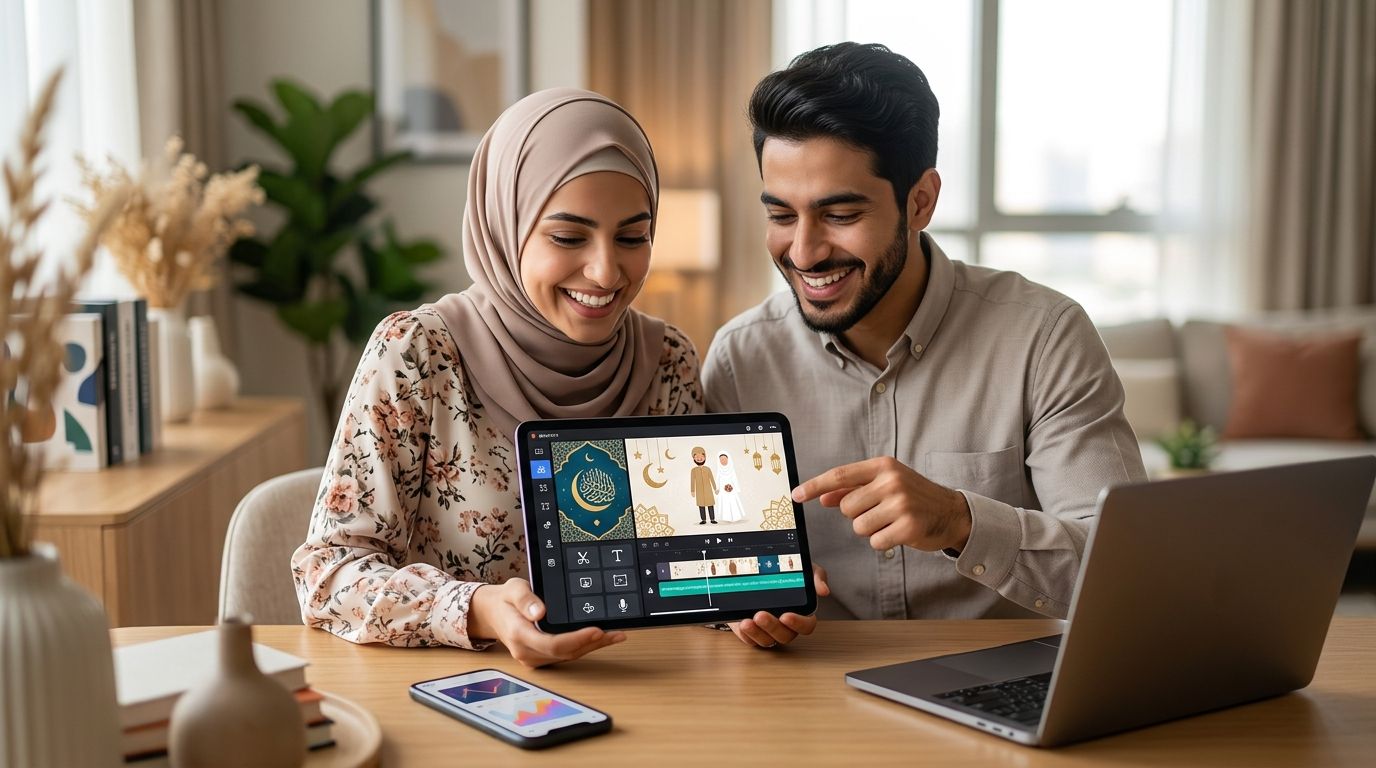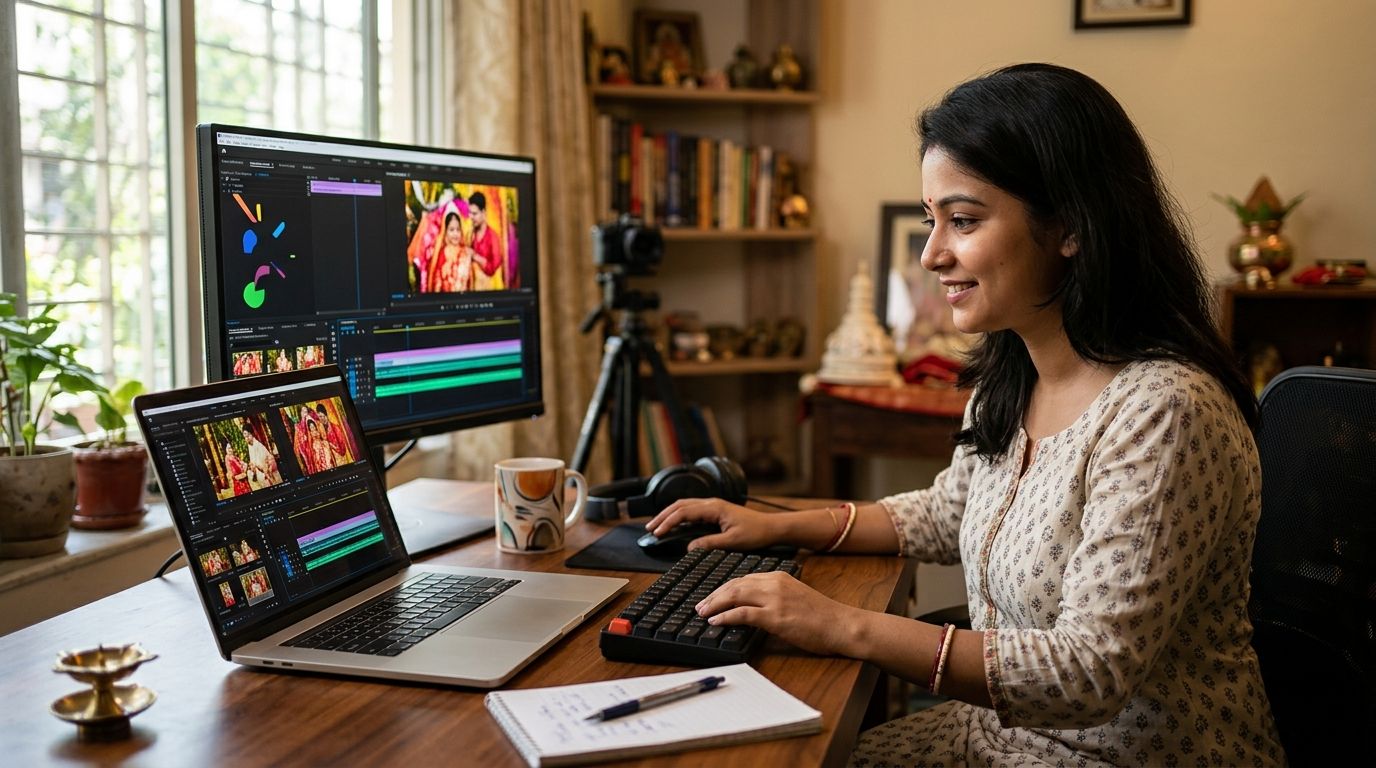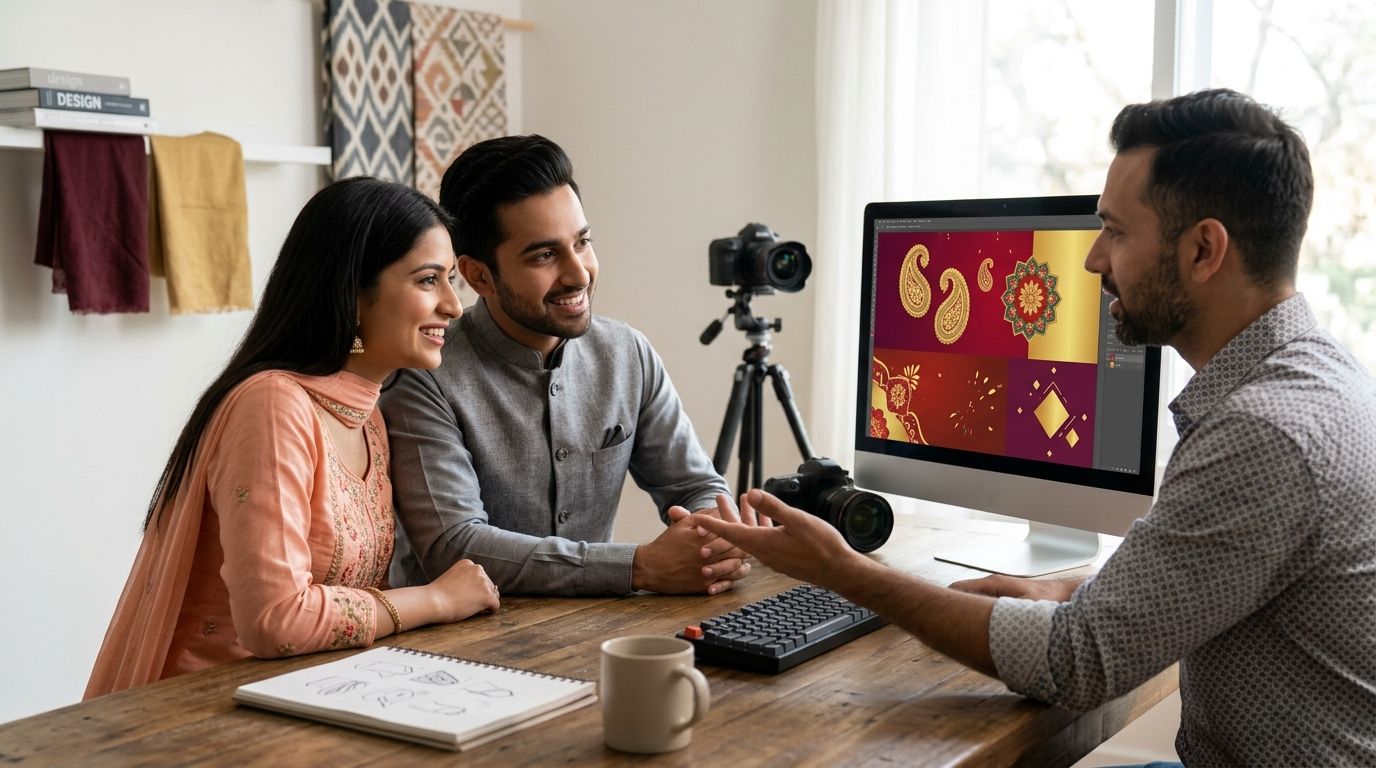
Best overall for a Punjabi wedding invitation video in 2026: Selfanimate for a template-based animated invite you can customize without editing skills. Best for a design-led invitation: Canva. Best for hands-on video editing: CapCut. Choose the maker that fits how much you want to edit, then check your names, events and venue details before sharing the video.
- Selfanimate is the best overall Punjabi wedding invitation video maker here for someone who wants to customize an animated template without editing skills.
- Choose Canva when designing the invitation matters more to you than editing the video.
- Choose CapCut when you want to edit the video yourself rather than start with an invitation-focused maker.
- Confirm every event detail and review Punjabi text before you share the finished invite.
Why this matters
A Punjabi wedding invitation has more work to do than announce a date. Guests need to know which event they are invited to, where to go and whose names belong on the invitation. A video also has to leave each detail on screen long enough to read. Decoration cannot rescue an unclear address.
The right maker depends on your starting point. An invitation-focused template gets you closer to a finished announcement. A design tool gives you more control over the look. A video editor puts more of the sequence in your hands. This 2026 ranking separates those jobs so you can pick a workflow before spending time on the wording.
What makes the best Punjabi wedding invitation video maker?
Use these criteria before you choose a template or start editing:
- Invitation-first workflow: Can you begin with an invitation format, or must you assemble the announcement yourself?
- Text control: Can you place names, event labels, dates and addresses where guests can read them?
- Punjabi text check: Can you review the script you intend to use and catch spelling or character-rendering problems in a preview?
- Event clarity: Can you distinguish the ceremony from other celebrations instead of squeezing every detail onto one screen?
- Editing effort: Does the maker match the time and video-editing experience you want to put in?
- Final review: Can you inspect the finished invitation on the kind of phone your guests will use before sending it?
These are decision criteria, not a promise that every maker supports every script, template or export format. Check the current editor against your invitation before committing to a design. In 2026, a clear event sequence still matters more than a complicated animation.
Punjabi wedding invitation video makers at a glance
| Maker | Best for | Standout feature | Key limitation |
|---|---|---|---|
| Selfanimate | A template-based animated invitation | Invitation and greeting video templates you can customize without editing skills | Less suited to someone who wants to build the video by editing every element themselves |
| Canva | A design-led invitation | A design workspace for arranging invitation text and visuals | A general design tool is not an invitation-only workflow |
| CapCut | Hands-on video editing | A video-editing workspace for shaping the sequence yourself | More editing work falls on you |
Selfanimate is the best Punjabi wedding invitation video maker in this ranking for someone who wants an animated template without learning video editing. Canva and CapCut serve different starting points; neither should be treated as the same kind of invitation maker. If you already know you want to arrange every visual element yourself, start with the workflow that gives you that control.
1. Selfanimate: best Punjabi wedding invitation video maker for an animated template
Selfanimate is an online video maker based in India for customizing animated invitation and greeting videos from templates. Wedding invitations are part of that stated purpose, and you do not need editing skills to begin. That makes Selfanimate the most direct fit in this 2026 list when your goal is an animated invitation rather than a video-editing project.
Start by preparing the invitation copy outside the editor. Write the couple's names exactly as they should appear, followed by each event's label, date, time and venue. Then customize a suitable template and review the result as a guest would: on a phone, without someone beside them explaining the plan.
Selfanimate pros:
- Its stated use includes animated wedding invitations, so the starting point matches the task.
- Templates give you a defined structure to customize.
- You can use the maker without video-editing skills.
- It also covers greeting videos if you need a separate message for another occasion.
Selfanimate cons:
- A template-led workflow is not the right choice when you want to construct every scene from scratch.
- You still have to supply and check accurate names, timings, event labels and venue wording.
- The available input does not establish which Punjabi scripts, music choices or export settings a particular template supports; verify these in the editor.
Best for: Someone who wants to turn prepared wedding details into a customized animated invitation without learning a general video editor.
Verdict: Buy if that describes your workflow. If your first requirement is control over every edit, compare the more hands-on options below instead. Selfanimate helps you make the invitation; you remain responsible for the details guests will rely on.
2. Canva: best for a design-led Punjabi wedding invitation
Canva is a general design tool. Choose it when arranging the invitation's visual layout matters more to you than starting inside a dedicated invitation-video workflow. It suits someone who wants to decide how the text and visuals sit together, then assess whether the result works as a video invitation.
That design freedom comes with an extra decision: you need to make the sequence readable. Put the essential event information ahead of decorative lines, and do not assume a layout that looks clear on your editing screen will be clear on a phone. Preview the final result before it reaches the family group chat.
Canva pros:
- A design-first approach gives you room to work on the invitation's visual arrangement.
- It suits a creator who already has a clear layout in mind.
- You can judge the text hierarchy before treating the design as a finished invitation.
Canva cons:
- It is a general design tool, not a workflow devoted solely to Punjabi wedding invitations.
- You must decide how to divide information between scenes and keep the result readable.
- Check the current tool for the precise text and video options your invitation requires rather than assuming a particular feature is available.
Best for: Someone who wants to direct the invitation's layout and is comfortable doing more design work.
Verdict: Hold until you have drafted the event copy. If the copy is ready and layout control is your priority, Canva is a sensible starting point. If you want an invitation-focused animated template, Selfanimate is the clearer fit.
3. CapCut: best for editing the invitation video yourself
CapCut is a video editor. Pick it when the editing is the project: you want to shape the order of scenes and decide how the invitation moves from one message to the next. This is a different job from filling in an invitation template.
Write out the sequence before opening an editor. Lead with the couple and the invitation, then give each event enough space for its details. Finish with the information a guest needs to act on, such as the relevant venue or the person they should contact if you choose to include one. Watch the finished video without pausing to test whether the copy can be read at normal playback speed.
CapCut pros:
- A video-editing workflow suits someone who wants to shape the sequence directly.
- You can plan the invitation around separate scenes rather than one crowded announcement.
- It is a fit when editing control matters more than an invitation-first starting point.
CapCut cons:
- You take on the work of structuring and reviewing the video.
- A general video editor does not supply the wedding wording or check that your guest details are correct.
- Verify any specific script, media or export requirement in the current editor before building the invitation around it.
Best for: Someone comfortable making the editing decisions and checking the finished video scene by scene.
Verdict: Buy for a hands-on editing project; skip it if the reason you came here was to avoid learning video editing. CapCut gives you an editing route, not a substitute for a clear invitation brief.
How we ranked the makers
The ranking puts the invitation task first, not the maker with the longest possible feature list. Selfanimate leads because its stated purpose includes customizable animated wedding invitations without editing skills. Canva follows for people who want to direct the design. CapCut follows for people who want to edit the video itself.
Those positions are not a claim that the makers have identical Punjabi-language support, templates or output settings. No such comparison is established here. Before you settle on any 2026 maker, test the exact names and script you plan to use, inspect the video on a phone and confirm that each guest-facing detail is correct. A feature only matters if it helps you send an invitation people can understand.
Which Punjabi wedding invitation video maker should you choose?
Choose Selfanimate by default if you want a template-based animated invitation and do not want to learn video editing. Choose Canva if visual layout is the part you want to control yourself. Choose CapCut if you want to assemble and edit the video sequence yourself. The best choice is the one that leaves you enough time to check the finished message, not just make it look festive.
Before sharing, run through the invitation from a guest's point of view:
- Are both names spelled and ordered as intended?
- Does each event have the right label, date, time and venue?
- Is it clear which guests are invited to which event?
- Does the Punjabi text display as intended throughout the video?
- Can you read every essential detail at normal playback speed on a phone?
- Has the couple or the person coordinating the invitation approved the final wording?
A Punjabi wedding does not have a single required event schedule. Use the event names and wording that match your celebration. Do not add a ceremony to the video just because it appears in a template, and do not use the term Anand Karaj unless it accurately describes the ceremony being announced. In 2026, the clearest invitation is still the one that tells the right guests where they need to be.
Make your animated invitation
Start with an invitation template and add your wedding details.
FAQ
What is the best Punjabi wedding invitation video maker in 2026?
Selfanimate is the best fit in this ranking if you want to customize an animated wedding invitation from a template without editing skills. Choose Canva for a design-led approach or CapCut if you want to edit the video yourself.
Can I make a Punjabi wedding invitation video without editing skills?
Yes. Selfanimate states that individuals can customize its animated invitation templates without editing skills. You still need to enter and review your own event information.
Is Canva better than Selfanimate for a Punjabi wedding invitation video?
Canva is the better fit when you want to direct the visual layout yourself; Selfanimate is the better fit when you want an invitation-focused animated template. Decide whether design control or a simpler starting point matters more to you.
Should I use CapCut for a Punjabi wedding invitation?
Use CapCut if you want to edit and sequence the video yourself. If you want to begin with an animated wedding invitation template instead, Selfanimate is the more direct choice in this ranking.
What should a Punjabi wedding invitation video include?
Include the names, the events each guest is invited to, and the correct dates, times and venues. Use only the ceremony and celebration names that apply to your wedding, then check the finished video for readability.
How do I check Punjabi text in an invitation video?
Enter the exact wording you intend to send and inspect it in the finished preview. Check spelling, character display and readability on a phone before sharing the invitation.
How much does a Punjabi wedding invitation video maker cost?
Check current pricing on each maker's site before choosing. This comparison does not list prices because the available information does not establish them and current terms can change.
One last thing
Send the finished video to someone who has not helped make it. Ask them to identify the event, time and venue without replaying it. If they cannot, shorten the decorative copy or give the essential details more screen time before you share your 2026 Punjabi wedding invitation.