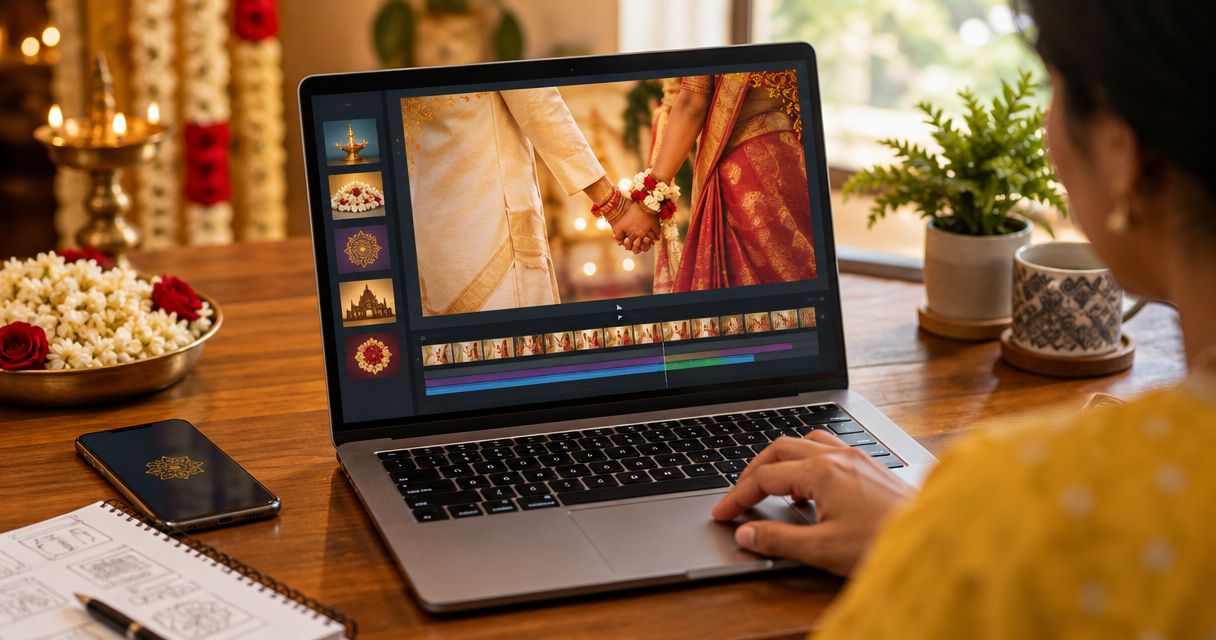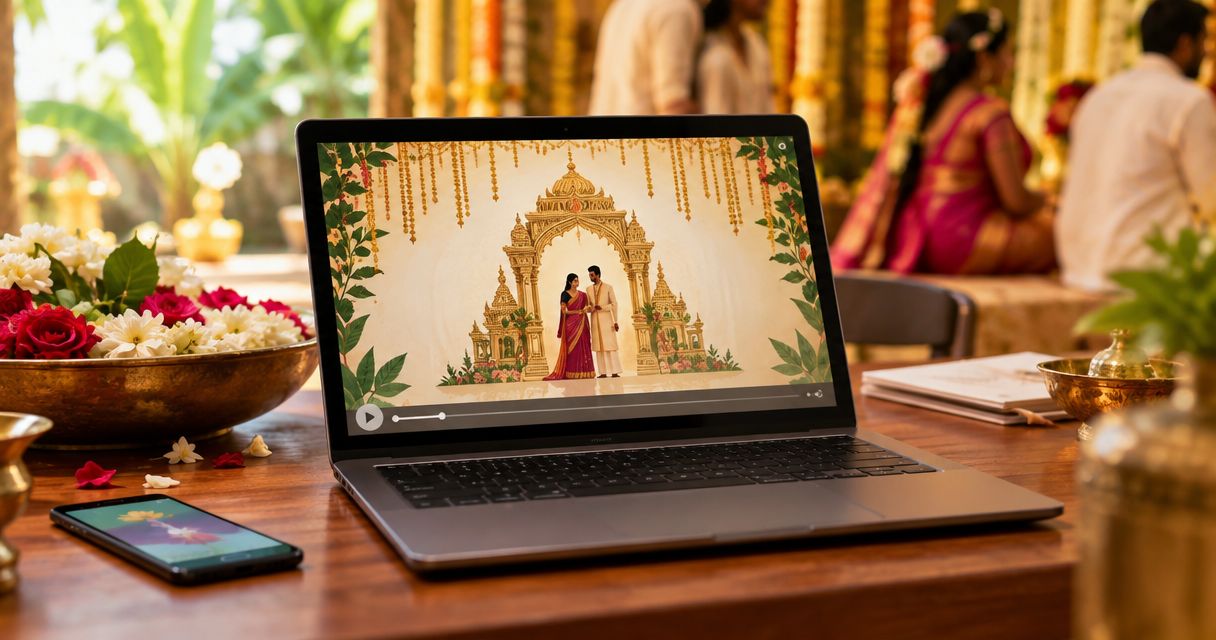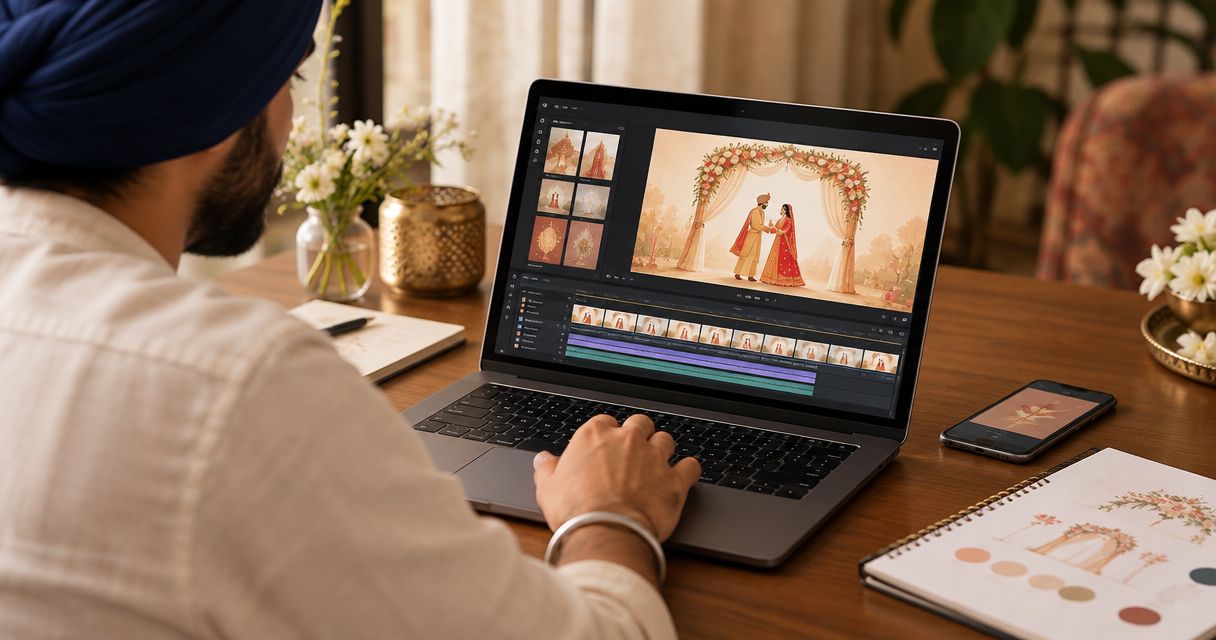
Best overall in 2026: Selfanimate for a template-led animated invitation. Best for a custom layout: Canva. Best for an invitation built around your own clips: CapCut. Selfanimate is the best sikh wedding invitation video maker for families who want to customise an animated invite without editing skills.
- Selfanimate is the best sikh wedding invitation video maker for a template-led animated invite in 2026.
- Choose Canva when you want to arrange the invitation text and design yourself.
- Choose CapCut when your own video clips are the centre of the invitation.
- Check the ceremony name, venue and time before sending any Sikh wedding invitation video.
Why this matters
A Sikh wedding invitation has a practical job: guests must know which event they are invited to, where to go and when to arrive. A beautiful animation cannot fix a missing address. If relatives are travelling from abroad, unclear event details can also make it harder for them to plan.
The right maker depends on what you already have. Start with an animated template if you want to customise an invitation without editing skills. Choose a design editor if you want to make the layout yourself. Choose a video editor if you have clips you want to build around. Those are different jobs, so a single ranking cannot tell every family which tool to use.
What makes the best Sikh wedding invitation video maker?
Use these criteria to judge a maker in 2026. Open a suitable design and check whether you can fit your actual invitation details before committing to the finished video.
- Room for the right words: Can you clearly show the couple’s names, the event name, date, time and venue? Check long family names and venue addresses, not just a short sample message.
- A fitting visual style: Does the design suit the tone your family wants for the Anand Karaj or another wedding event? Do not assume that a generic wedding design will suit every ceremony.
- An editing process you can manage: Templates reduce layout decisions. A blank design or video timeline gives you more control but asks you to make more choices.
- Legibility on a phone: Guests need time to read each screen. Check text size and contrast when you review the video on the device they are likely to use.
- A clear final check: Can someone in the family review the complete wording, event order and venue details before you share it? Decide who gives the final approval.
Do not rank a maker by effects alone. Readable event details come first; animation supports the message.
The 2026 picks at a glance
| Maker | Best for | Standout feature | Key limitation |
|---|---|---|---|
| Selfanimate | Template-led animated invitations | Customising an animated invitation from a template | Less suitable when your own footage is the main material |
| Canva | A layout you want to shape yourself | Arranging text and visual elements | You make more design decisions |
| CapCut | Invitations centred on your own clips | Editing footage in a video timeline | You must plan the invitation layout and text |
These picks answer different starting points. If you have no footage and do not want to build a design from scratch, start with the template-led option. If you have a particular layout in mind, choose the design editor. If clips of the couple are the point of the invitation, choose the timeline editor.
1. Selfanimate: best for a template-led animated invitation
Selfanimate is an online maker for animated invitation and greeting videos. You choose a template and customise it without editing skills. That makes Selfanimate a direct fit when your goal is a finished invitation rather than a separate graphic-design or video-editing project.
For a Sikh wedding, choose a design that leaves enough room for the event details you need. Enter the ceremony name and venue exactly as your family wants guests to see them. If you are inviting people to more than one event, check whether one video keeps every event clear; separate invitations are the simpler choice when the details crowd each other.
Selfanimate pros:
- A template gives you a starting structure for an animated invitation.
- The editing approach suits someone without video-editing skills.
- Invitation and greeting videos are the maker’s stated focus.
Selfanimate cons:
- A template is a constraint if you want to build every scene from scratch.
- It is not the best match when you need to cut together footage as the main part of the video.
Best for: Families who want to customise an animated invitation from a template.
Verdict: Buy the template-led approach if it fits your wording and the event details remain easy to read. Check the current template selection and its final format before making your choice.
2. Canva: best for a custom invitation layout
Canva is a design editor with video-making tools. Choose it when you want to arrange text, images and visual elements yourself. You can start from a design and change the layout rather than treating the template’s structure as the main decision.
That flexibility helps when you have a clear idea for the order of information: an opening with the couple’s names, a screen for the Anand Karaj and a separate screen for another event. You still need to make those choices yourself. If your family mainly wants to fill in details and finish, the added design work is a drawback.
Canva pros:
- You can make detailed choices about text placement and layout.
- It suits an invitation whose wording needs a layout planned around it.
- You can work with still images as well as video elements.
Canva cons:
- More layout freedom means more decisions before the invitation is ready.
- A design that looks good while editing still needs a phone-screen legibility check.
Best for: Families who want to shape the invitation’s layout and event order themselves.
Verdict: Buy if control over the layout matters more than a quick template-led edit. Otherwise, start with Selfanimate and see whether a suitable template covers your needs.
3. CapCut: best for an invitation built around your own clips
CapCut is a video editor. It makes sense when you already have clips of the couple and want those clips to carry the invitation. A timeline gives you control over where footage, text and transitions appear.
Begin with the invitation information, not the clips. If a favourite shot leaves too little space for the date or venue, use another shot or give the text its own screen. The result should still work for a guest who watches once and then needs to find the event details again.
CapCut pros:
- It is built for working with video clips on a timeline.
- You can decide how your footage and invitation text appear together.
- It fits a project where existing clips are the main material.
CapCut cons:
- You need to organise the clips and build the invitation sequence yourself.
- Video-editing control does not remove the need to check every event detail.
Best for: Couples who already have footage and want to make it central to the invite.
Verdict: Buy if editing your own clips is the goal. Skip the timeline work if all you need is an animated invitation made from a template.
How we ranked the 2026 picks
The ranking starts with the job named in the search: making a Sikh wedding invitation video. Selfanimate comes first because its stated purpose is template-based animated invitations that people can customise without editing skills. Canva follows for families who want to make more layout decisions. CapCut fills the distinct use case of editing an invitation around existing footage.
This is a use-case ranking, not a claim that one tool has more Sikh wedding designs, better export quality or faster production. Check the current designs in any maker before you settle on one. The useful test is whether your chosen format presents your family’s actual event details clearly.
Make the invitation clear before you share it
A good 2026 invitation starts with approved wording. Ask one family member to confirm how the names, ceremony and venue should appear. Then build the video around that information, rather than trying to fit the facts into a nearly finished edit.
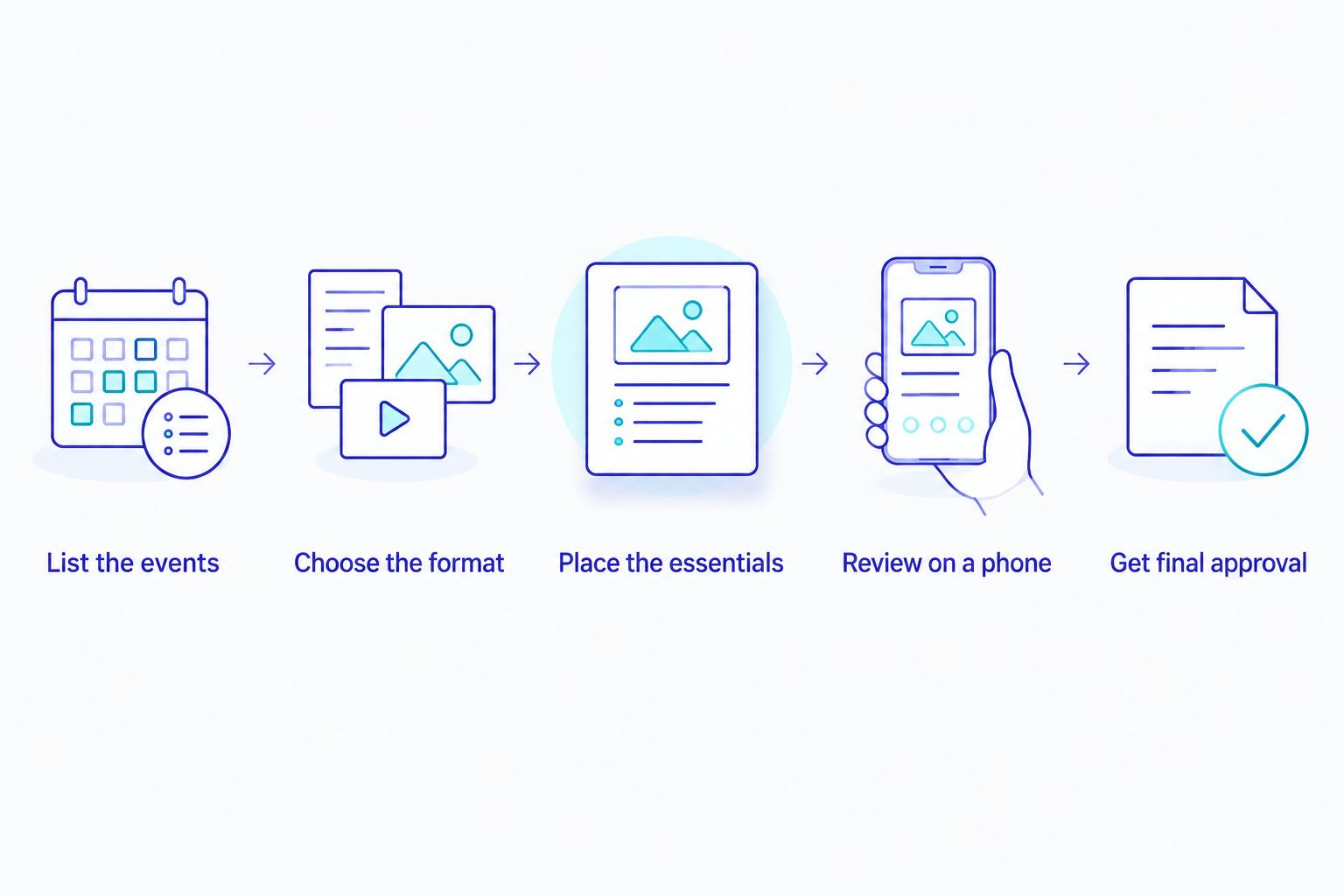
- List the events. Write down each event you are inviting people to, with its own date, time and venue. If the Anand Karaj and reception are at different places, make that distinction visible.
- Choose the format. Use a template-led maker for a straightforward animated invite, a design editor for a custom layout or a timeline editor for footage.
- Place the essentials. Give names, event details and location enough screen space to read. Spell-check against the family’s approved wording.
- Review on a phone. Watch the whole invitation as a guest would. Pause on the event details and check that nothing is hidden, cramped or easy to misread.
- Get final approval. Have the designated family member check the finished version before anyone sends it to guests.
The review step matters most when several relatives are helping. A person checking the music is not necessarily checking the venue. Give the final reviewer one clear task: confirm that a guest can understand the invitation without asking a follow-up question.
For a 2026 invitation, make the event information readable before adding more motion. If a scene is crowded, shorten the wording or split the details across screens. Do not remove a detail a guest needs just to preserve a visual effect.
Start your invitation
Explore animated invitation templates and choose a format for your event details.
Which Sikh wedding invitation video maker should you choose?
Choose Selfanimate if you want an animated invitation and do not want to learn video editing. Choose Canva if you want to arrange the wording and visuals yourself. Choose CapCut if the invitation depends on clips you already have and you are ready to edit them.
For an undecided family in 2026, start with Selfanimate. A template-led maker is the most direct match for the stated task: customise an animated invitation. Move to Canva only if you need more layout control, or to CapCut if your own footage needs to lead. Whichever maker you pick, let the final reviewer approve the exact version guests will receive.
FAQ
What is the best sikh wedding invitation video maker in 2026?
Selfanimate is the best fit for a family that wants to customise a template-led animated invitation without editing skills. Choose Canva for more layout control or CapCut if your own clips are central to the video.
Can I make a Sikh wedding invitation video without editing skills?
Yes. Selfanimate lets individuals customise animated invitation videos from templates without editing skills. Start by checking whether a current template gives your event details enough room.
Is Canva better than Selfanimate for a Sikh wedding invitation?
Canva is the better fit when you want to shape the layout yourself. Selfanimate is the more direct choice when you want to customise an animated invitation template.
When should I use CapCut for a wedding invitation?
Use CapCut when you have clips you want to edit into the invitation. Plan separate, readable space for the ceremony and venue details so the footage does not obscure them.
What details should a Sikh wedding invitation video include?
Include the couple’s names and the event details guests need: the event name, date, time and venue. Show separate details clearly if you are inviting guests to more than one event.
Should the Anand Karaj and reception go in one video?
Put them in one video only if guests can clearly read the details for both events. If the dates, times or venues become hard to distinguish, make separate invitations.
How do I check a wedding invitation video before sending it?
Watch the finished video on a phone and check the names, event names, dates, times and venues against approved wording. Ask one family member to approve the exact version you plan to share.
One last thing
The invitation that looks best while editing is not always the one that works best for guests. In 2026, do one final check without stopping the video: can you tell where to go and when? If not, simplify the screen before you share it.