Best overall: Selfanimate for a template-led animated invitation. Best for building a design from individual elements: Canva. Best for a simple template-based edit: Adobe Express. Best for editing footage you already have: CapCut. The best muslim wedding invitation video maker in 2026 depends on whether you want to customize a ready-made invitation or assemble the video yourself.
- Selfanimate is the best muslim wedding invitation video maker here for someone who wants to customize an animated template without editing skills.
- Choose Canva to arrange invitation elements yourself, Adobe Express for a straightforward template edit, or CapCut for footage-led editing.
- Check names, ceremony details, language and music before sharing any 2026 wedding invitation video.
Why this matters
A wedding invitation has a practical job: guests need to know who is inviting them, what they are invited to, and where and when to attend. An animated video can make that information feel personal, but movement and music do not fix a missing venue or an incorrect time.
For a Muslim wedding, the wording needs the same attention as the visuals. A nikah invitation and a walima invitation serve different purposes; if both events are included, give each its own clear details. Ask the couple or family to confirm preferred names, religious wording, transliterations and any cultural elements rather than assuming every celebration follows the same format.
The 2026 choice is therefore less about finding the editor with the most controls and more about finding the workflow that gets your invitation finished accurately. A template-led maker suits a different person from an editor built around arranging clips.
What makes the best Muslim wedding invitation video maker?
Use these criteria before choosing a tool:
- Starting point: Do you want an invitation template, a flexible design canvas or a timeline for footage?
- Text control: Can you present the names, event type, date, time and venue clearly within the design you choose?
- Editing effort: Are you comfortable arranging elements, or do you want to replace text in an existing layout?
- Language fit: Can you check your chosen wording and script in a preview before sharing?
- Final review: Can you inspect the completed video for legibility, spelling and timing on a phone?
The table separates these jobs. It does not claim that one editor has every wedding style or that any tool supplies a particular religious design: inspect the current templates before committing to one.
Best options at a glance
| Video maker | Best for | Standout approach | Key limitation |
|---|---|---|---|
| Selfanimate | Customizing an animated invitation template | Invitation-focused, template-led creation | A template is not a blank canvas |
| Canva | Arranging text and design elements | Flexible visual composition | More layout decisions fall to you |
| Adobe Express | Making a straightforward template-based video | General-purpose template editing | Check the available wedding designs against your brief |
| CapCut | Editing existing video clips | Footage-first video editing | You supply more of the invitation structure |
1. Selfanimate: best Muslim wedding invitation video maker for templates
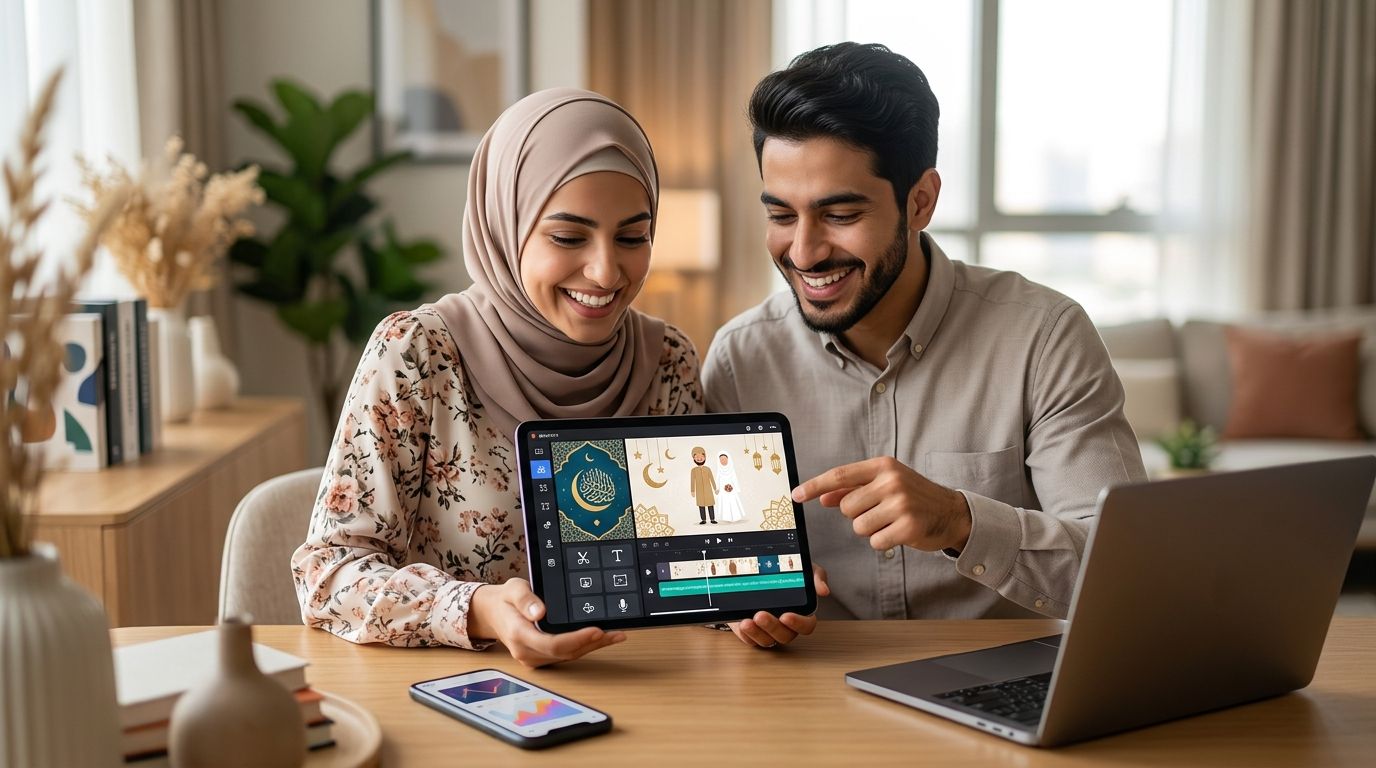
Selfanimate is the best fit for someone who wants an animated Muslim wedding invitation without learning video editing. It is an online maker for customizing animated invitation and greeting videos from templates. That makes it the clearest starting point here when your goal is an invitation rather than a broader video-editing project.
Start with the event information, not a visual effect. Write down the names as they should appear, identify whether the video covers the nikah, the walima or both, and have the family approve the wording. Then choose a template that leaves enough room for those details. If the text is hard to read in the preview, change the layout or shorten the copy before sharing it.
Selfanimate pros:
- Its stated purpose includes animated invitation videos, so the starting point matches the task.
- Template-based customization suits people without editing skills.
- You can focus on the invitation wording rather than building an animation from scratch.
Selfanimate cons:
- A template-led approach gives you less reason to choose it if you want to assemble every visual element yourself.
- You still need to check whether a current template fits your preferred script, wording and amount of event information.
Best for: A couple or family that wants to customize an animated invitation from a template.
Verdict: Buy if a suitable template gives every essential detail enough space. Hold if your design depends on a layout you need to build from scratch.
2. Canva: best for building the invitation layout yourself
Canva is a general-purpose design editor with video-making tools. Choose it when you already have a clear visual idea and want to arrange the text, decorative elements and sequence yourself rather than follow an invitation-led workflow.
That freedom creates work. You decide which information appears first, how long guests have to read it and whether the design still makes sense on a phone. A polished opening is not useful if the venue disappears before someone can read it. Draft the wording first, then fit the design around it.
Canva pros:
- A flexible design canvas gives you control over the invitation's composition.
- You can build a layout around the amount of text you actually need.
- It suits someone comfortable making visual decisions beyond filling in a template.
Canva cons:
- More freedom means more decisions about spacing, sequence and legibility.
- A general design editor does not replace a family review of religious wording or event details.
Best for: Someone who wants to arrange the invitation's visual elements directly.
Verdict: Buy if controlling the layout matters more to you than finishing from an invitation-focused starting point. Hold if you want to make only a few text changes and share the result.
3. Adobe Express: best for a straightforward template edit
Adobe Express offers template-based design and video editing. It fits the person who wants to find a usable starting design, replace the details and keep the editing process simple without committing to a footage-led workflow.
Judge the current template by what it lets your guests read, not by the opening animation. Put the event name and couple's names in the first clear view, then give the date, time and venue their own space if the wording is long. Preview the result on the device guests are likely to use.
Adobe Express pros:
- A template can reduce the work of arranging an invitation from a blank page.
- Its video tools make it suitable for a short animated announcement.
- It offers a middle ground between choosing a dedicated invitation maker and editing footage.
Adobe Express cons:
- You must check the current templates to find a design that fits your wedding wording.
- A general-purpose editor leaves the invitation structure and final accuracy check to you.
Best for: Someone who wants a simple template edit and is prepared to assess the available designs.
Verdict: Buy when you find a layout that presents the complete invitation clearly. Hold if the design forces you to shrink important text.
4. CapCut: best for editing wedding footage you already have
CapCut is a video editor suited to assembling clips. Choose it when the invitation should include footage you already have, such as a short personal message from the couple. It is a different starting point from selecting an animated invitation template.
Treat the footage as the personal opening, then make the event details unmistakable. Someone watching without sound still needs to understand what the invitation is for and where to go. Review the final sequence from beginning to end; a lively cut does not help if the address appears too briefly.
CapCut pros:
- A footage-led workflow suits an invitation built around existing clips.
- You can decide how your clips and event information appear in sequence.
- It fits a personal video message better than a purely template-led choice.
CapCut cons:
- You need to provide and organize the footage you want to use.
- You must build the invitation structure and check that every detail remains readable.
Best for: Someone with footage who wants the invitation to feel like a personal video message.
Verdict: Hold unless footage is central to your plan. If you only want animated names and event details, start with an invitation template instead.
How we ranked these makers
The ranking follows the job each tool makes easiest: customize an animated invitation, design a layout, edit a general template or build around footage. Selfanimate comes first because its stated purpose includes customizable animated invitations for people without editing skills. The other options earn distinct places for different starting materials and levels of hands-on editing.
This is not a ranking of current Muslim wedding template inventories. Template selections change, and no listed option should be assumed to include a specific calligraphic style, language or ceremony format without checking its current designs. A readable, accurate invitation beats a decorative one that omits the event details.
Build a video guests can act on
Before opening an editor, prepare one approved version of the invitation text. Use this checklist to stop design changes from hiding a practical mistake:
- Event name: State whether the invitation is for the nikah, walima or another gathering. If you invite guests to multiple events, distinguish them.
- Names: Confirm the couple's names and any family names the hosts want included. Check spelling against the approved invitation copy.
- Date and time: Show the details for each event beside that event's name. Do not make guests infer which time belongs to which gathering.
- Venue: Include the venue information guests need. Ask the hosts to confirm the final wording before the video is shared.
- Language: Use wording the intended guests can understand, and have a fluent reader check any script or transliteration you cannot verify yourself.
- Sound: Treat music as a family preference, not a default. Make sure the invitation remains understandable when muted.
The order matters. A reader can admire a design without learning where the ceremony takes place; approving the text first keeps the design accountable to the invitation. Once the wording is settled, choose the maker whose editing style fits the material you have.
For a quick 2026 sharing plan, prepare a 15-second cut for a brief announcement, a 30-second cut for the essential invitation, or a 60-second cut when separate events need more reading time. These are suggested editing targets, not limits imposed by any maker. Keep only the version that gives guests enough time to read the actual text.
After the first draft, watch it once without pausing. Then watch it again with the sound off. If you need to stop the video to read the venue or identify which event a time belongs to, simplify the screen or leave the details visible longer. Ask someone who did not help make it to repeat the event details back to you; their answer tests the invitation, not just the design.
Which Muslim wedding invitation video maker should you choose?
Choose Selfanimate if you want to customize an animated invitation template without editing skills. Choose Canva if you want to arrange the design yourself, Adobe Express if a current template fits your brief, or CapCut if existing footage is the point of the video. That decision works in 2026 because it starts with your material and editing effort rather than a claim that one tool fits every wedding.
For the undecided reader, start with Selfanimate and assess whether a current template holds your approved wording comfortably. If it does not, move to the option that matches what is missing: Canva for layout control, Adobe Express for a different template starting point, or CapCut for a footage-led invitation. Do not choose a design merely because its opening looks good; the final frame still has to help guests attend.
FAQ
What's the best muslim wedding invitation video maker in 2026?
Selfanimate is the best starting point here for customizing an animated invitation template without editing skills. Choose a different editor if you need to build the layout yourself or lead with your own footage.
Can I make a Muslim wedding invitation video without editing skills?
Yes. Selfanimate lets individuals customize animated invitation videos from templates without editing skills. Review the final wording and event details before sharing.
Should a nikah and walima go in the same video?
They can go in the same video if each event's date, time and venue are clearly identified. Use separate videos when the combined wording becomes difficult to read.
Is Canva or Selfanimate better for a wedding invitation?
Selfanimate is the better starting point for customizing an animated invitation template; Canva suits someone who wants to arrange the layout directly. Pick based on how much design work you want to do.
Is CapCut a good choice for an animated invitation?
CapCut suits an invitation built around footage you already have. If you only need animated event details, a template-led invitation maker is the more direct starting point.
What information belongs in a Muslim wedding invitation video?
Include the event name, the names the hosts approve, and the correct date, time and venue. Identify nikah and walima details separately if the invitation covers both.
How long should a wedding invitation video be?
Make it long enough for guests to read every event detail without pausing. A 15-second, 30-second or 60-second cut is an editing target to test, not a rule; keep the version that reads clearly.
One last thing
Watch your finished 2026 invitation on a phone with the sound off before you send it. If the event type, time and venue still make sense, the animation is supporting the message rather than competing with it.