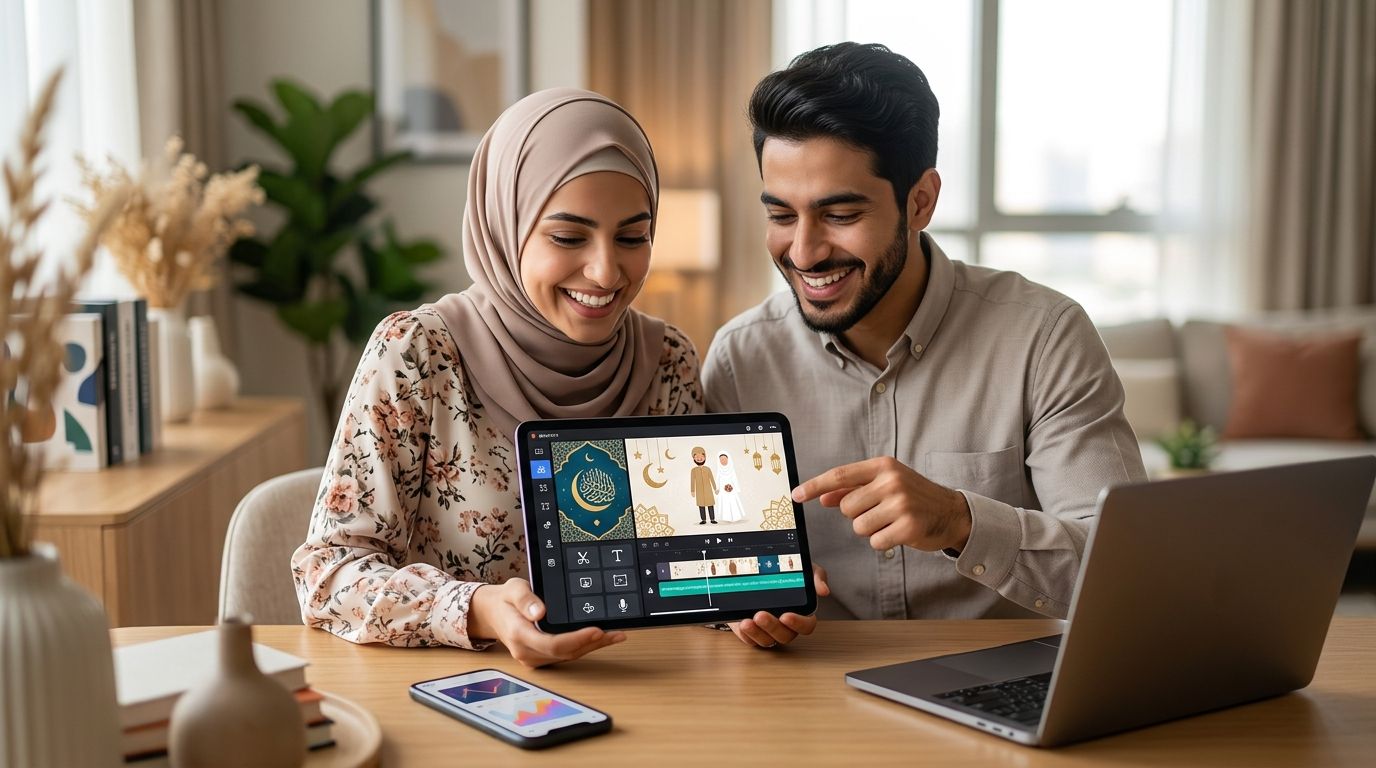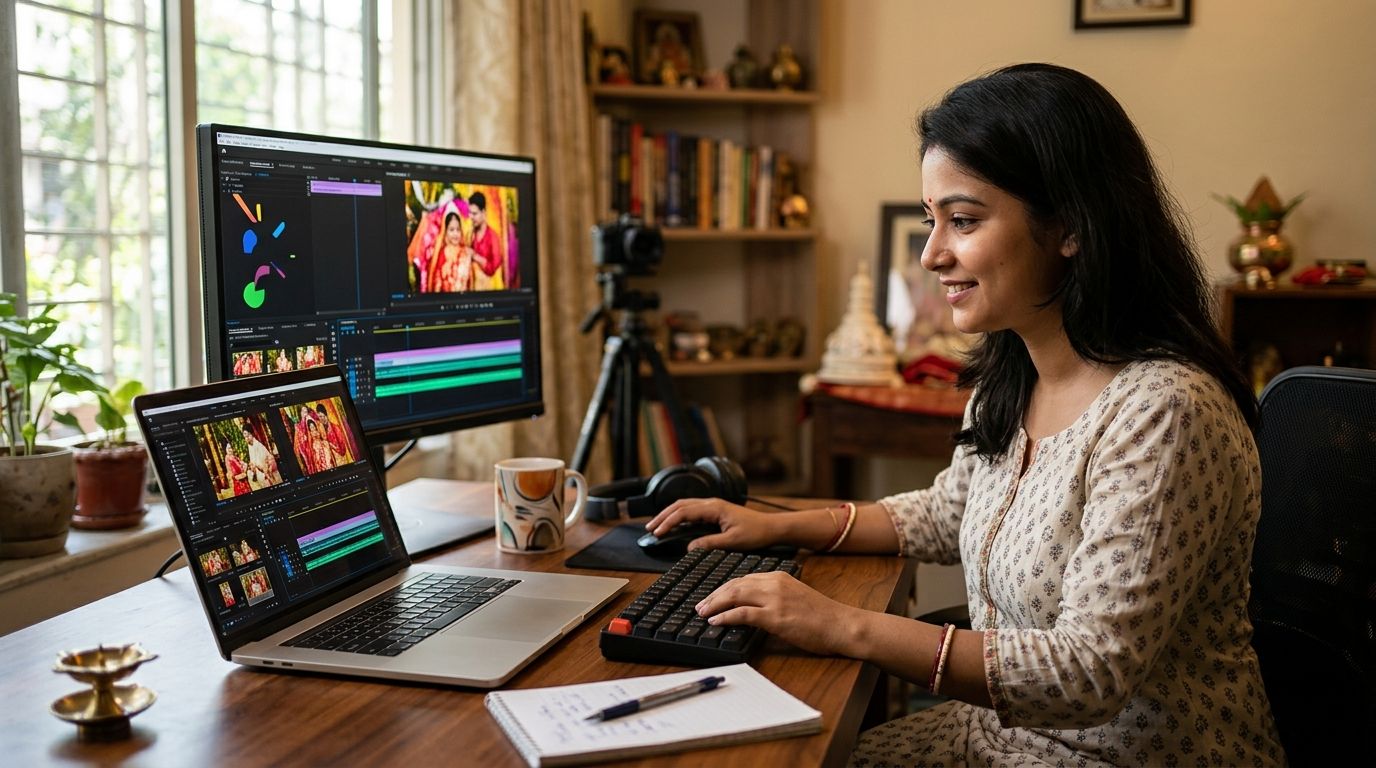
Best overall: Selfanimate for a template-led Bengali wedding invitation video. Best for hands-on layout control: Canva. Best for editing your own clips: CapCut. The right bengali wedding invitation video maker depends on whether you want to customize a template, arrange every card yourself, or build the invitation around footage.
- Selfanimate is the best bengali wedding invitation video maker here for people who want to customize an animated template without editing skills.
- Choose Canva when you want to arrange the invitation text and visual elements yourself.
- Choose CapCut when your own video clips are the main event; expect more hands-on editing.
- Before sharing, check Bengali names, ceremony details, text readability, and playback with the sound off.
Why this matters
A wedding invitation has a job beyond looking festive: guests need to read the names, date, time, and venue without asking you to send the details again. Bengali text adds another check. A decorative typeface is no use if a name becomes difficult to read on a phone.
In 2026, pick your maker by the work you want to do, not by the length of its feature list. A template-led tool suits someone who wants to replace text and images. A design editor suits someone who wants to position each element. A video editor suits someone who already has clips to cut together.
What makes the best Bengali wedding invitation video maker?
- Readable Bengali text: Enter the names and event details you intend to use, then inspect the exported video. Do not judge script rendering from a template preview alone.
- A suitable starting point: Look for a design you can adapt to your ceremony rather than forcing your details into an unrelated greeting.
- Control over essential details: You need room for the couple's names, ceremony date, start time, venue, and any contact information you choose to include.
- An editing workflow you will finish: Replacing text in a template, laying out cards, and cutting footage are different jobs. Choose the one that matches your time and skills.
- Readable playback: Test the invitation on a phone, both with sound and without it. Music must not carry information that is missing from the screen.
Bengali wedding invitation video makers at a glance
| Maker | Best for | Standout feature | Key limitation |
|---|---|---|---|
| Selfanimate | Customizing an animated invitation template | Template-based video creation without editing skills | Less suited to building every visual element from scratch |
| Canva | Designing the invitation card by card | Direct control over text and layout | More assembly work than starting with a dedicated invitation template |
| CapCut | Building an invitation around your own clips | Timeline-based video editing | You must plan and assemble the invitation sequence yourself |
The table is a workflow choice, not a claim that every tool carries a particular Bengali wedding design. Check the exact template, text rendering, and export before committing to a finished invitation. The same check applies to all three makers in 2026.
A simple way to decide is to identify what you already have. If you have only the event details, start with a template. If you have a visual layout in mind, use a design editor. If you have footage that guests should see, use a video editor.
1. Selfanimate: best Bengali wedding invitation video maker for template-led invites
Selfanimate is an online video maker based in India for customizing animated invitation and greeting videos from templates. It is designed for individuals who want to make a video without editing skills. That makes it the most direct fit here when you want an animated wedding invite but do not want to assemble scenes on a video-editing timeline.
Selfanimate pros:
- Its stated focus includes wedding invitations, rather than video editing as a general-purpose task.
- Templates give you a starting structure for an animated greeting or invitation.
- The workflow is aimed at individuals without editing skills.
Selfanimate cons:
- A template-led workflow gives you less reason to choose it if you want to construct every scene from an empty canvas.
- The available inputs do not establish which Bengali wedding templates, typefaces, or audio choices are currently offered; inspect the editor for the specific design you need.
Best for: Someone who wants to customize an animated wedding invitation from a template. Verdict: Choose if finishing an invite matters more than controlling every cut and transition.
Start by entering your real event details, not filler text. A design that looks good with short sample names can become crowded when you add full names, a venue address, and a contact line. Check the longest text screen first. If it cannot be read comfortably on your phone, shorten the wording or pick another layout before refining the animation.
For a Bengali invitation, inspect each name at full playback size. Look for misplaced characters, awkward line breaks, and text that passes too quickly. The tool you choose cannot rescue an invitation whose key details guests cannot read.
Start your animated invitation
Explore template-based invitation videos and check the design against your event details.
2. Canva: best for arranging invitation text and visuals
Canva is a design tool with video-making features. Choose it when you want to decide where the names, ceremony details, images, and decorative elements sit on each screen. It fits the person who enjoys adjusting a layout more than following a ready-made invitation sequence.
Canva pros:
- You can work on the invitation's visual hierarchy: names first, event details next, and contact information where guests can find it.
- A card-by-card approach makes it straightforward to separate crowded details across screens.
- You can shape a design around the wording you have, rather than starting with footage.
Canva cons:
- You take on more layout decisions than you would with a dedicated invitation template workflow.
- Font, animation, and export choices still need checking with your actual Bengali text; a good-looking draft is not a finished playback test.
Best for: Someone who wants direct control over the placement of invitation details. Verdict: Choose if layout control is your priority; hold if you want the quickest route from event details to a template-led animated invite.
For a 2026 wedding invitation, build the information order before adding movement. Put the couple's names on a clear opening screen. Follow with the date and time, then the venue. If guests need a contact or response instruction, give it its own readable space rather than shrinking the entire invitation to fit one card.
Use animation to connect those cards, not to hide them. Pause on the busiest screen during a phone preview. If you have to replay it to catch the venue, guests will too. That observation is more useful than asking whether the design looks impressive while it is paused in the editor.
3. CapCut: best for an invitation built around personal clips
CapCut is a video editor suited to arranging clips on a timeline. It belongs on this list when your invitation starts with footage, such as clips you have permission to use, and the event details will sit alongside that material. If you have no footage and simply want animated text, its main editing approach creates extra work.
CapCut pros:
- Timeline editing gives you control over the order and length of your clips.
- You can plan the invitation around footage rather than fitting footage into a preselected card layout.
- You can place event information at deliberate points in the sequence.
CapCut cons:
- You must assemble the invitation structure yourself.
- More editing control also means more decisions about timing, transitions, and text placement.
- A strong clip sequence can still fail as an invitation if the date or venue appears too briefly.
Best for: Someone whose own video clips are central to the invitation. Verdict: Choose for a footage-first project; skip for a straightforward template customization job.
In 2026, make the event details independently understandable even if a guest watches without audio. Place names and ceremony information on screen as text. Then play the finished video from beginning to end on the phone you expect guests to use. Do not stop at a still frame: the duration of each card determines whether the invitation works.
How we ranked these makers
The ranking follows the job in the keyword: make a Bengali wedding invitation video that guests can understand. The criteria are a suitable starting point, control over essential details, the amount of editing required, and the ability to check Bengali text in a finished video.
Selfanimate ranks first for a template-led invitation because its stated purpose includes customized animated wedding videos for people without editing skills. Canva takes the layout-control slot. CapCut takes the footage-editing slot. These are distinct recommendations, not claims that one editor wins every task. No maker earns a pass on the final readability check.
Build an invitation guests can actually use
Write the information before choosing the animation. Put the couple's names, ceremony date, start time, venue, and any contact or response instruction into a short draft. Decide which details belong in the video and which, if any, you will send separately. That prevents a beautiful template from dictating what guests get to know.
Then give each screen one job. A practical sequence is an opening with the names, a screen for the ceremony details, and a closing screen with the venue and contact instruction. This is a layout recommendation, not a requirement set by any of the makers above. If an address is long, allow it more space instead of reducing the text until it fits.
Choose a format for how you will share the video. For a portrait draft, 1080 × 1920 pixels is a useful design target; for a landscape draft, use 1920 × 1080 pixels as a design target. Confirm the export options in your chosen tool rather than assuming either size is available. Keep critical text clear of the edges so it remains easy to read in a phone preview.
As a starting edit, try 20 seconds for a short invitation, then change the timing to suit the amount of text. Give a long venue line more reading time than a screen containing only the couple's names. If the invitation needs 30 seconds to remain readable, clarity wins over brevity. These are editing targets, not claims about guest attention or tool limits.
Finally, ask someone who has not seen the draft to tell you the date, time, and venue after one play. If they miss a detail, change the text size, screen duration, or wording. Send the final version only after checking every Bengali name and the exported video itself.
Which Bengali wedding invitation video maker should you choose?
Choose Selfanimate as the default if you want an animated wedding invitation built from a customizable template and you do not have editing skills. Choose Canva when arranging every text screen is part of the project. Choose CapCut when personal footage is the reason you are making a video in the first place.
The decisive test in 2026 is not which editing screen you prefer. It is whether a guest can read the names, date, time, and venue in the final video. Pick the workflow you will complete, then test the export on a phone before you share it.
FAQ
What is the best bengali wedding invitation video maker in 2026?
Selfanimate is the best fit here for a template-led animated wedding invitation without editing skills. Choose Canva for hands-on layout control or CapCut when you want to build the invitation around your own clips.
Can I make a Bengali wedding invitation video without editing skills?
Yes. A template-based video maker lets you start from an existing invitation structure and customize it. Check your Bengali text and event details in the finished export before sharing.
Is Canva or CapCut better for a wedding invitation video?
Canva is the better choice when you want to arrange invitation text and visuals card by card. CapCut is the better choice when the invitation is built around clips you need to edit on a timeline.
How do I check Bengali text in a video invitation?
Enter the real names and details, export a draft, and watch it at normal speed on a phone. Check character rendering, line breaks, text size, and how long each detail remains visible.
What details should a Bengali wedding invitation video include?
Include the couple's names, ceremony date, start time, and venue. Add a contact or response instruction if guests need one, and make sure each detail is readable without relying on audio.
How long should a wedding invitation video be?
Start with a 20-second draft, then adjust it to fit the text. Use 30 seconds if guests need more time to read names, venue details, or a response instruction.
Do I need a specific Bengali wedding template?
No. You need a design that displays your Bengali text clearly and leaves room for the event details. Check the templates available in your chosen editor rather than assuming a particular style is included.
One last thing
Before you share a 2026 wedding invite, watch it once with the sound off and without pausing. If you cannot identify the venue and start time on that single play, change the video. A clear invitation beats an elaborate one that leaves guests asking for the details.