Best for animated template greetings: Selfanimate. Best for designing a greeting layout: Canva. Best for editing sibling photos and phone clips: InShot. These 2026 picks match different ways of making a Raksha Bandhan video, rather than treating every app as the same tool.
- Selfanimate is a raksha bandhan wishes video maker option for families who want animated, template-based greetings without editing skills.
- Choose Canva for greeting layouts, Adobe Express for mixed-media designs, InShot for phone clips, or VN for timeline editing.
- Pick the message and sharing format before choosing your Rakhi greeting video template.
- Preview names, text, photos and music before sharing your finished greeting.
Why this matters
A Raksha Bandhan greeting should sound like you, not like a festival banner. Your brother or sister should recognise the message, the memory and the affection behind it.
The right maker depends on what you already have. A ready-made animated greeting suits a short personal wish. A collection of childhood photos needs a slideshow or video editor. For your 2026 greeting, choose the format first and the app second.
Selfanimate is best for families who want template-based animated greeting videos without editing skills. A timeline editor is the better fit when your own footage needs to lead the story.
What makes the best Raksha Bandhan wishes video maker?
Use these criteria before choosing an app. A long feature list matters less than whether you can finish the greeting you have in mind.
- Starting point: Do you want to customise an existing greeting or build your own sequence?
- Personalisation: Check whether the selected design accepts the names, message and images you need.
- Text readability: Your greeting should remain readable on the phone receiving it, including Hindi or another family language.
- Editing control: Simple templates suit quick customisation; timeline tools suit clips, audio and scene changes.
- Sharing format: Choose the shape for the destination. Portrait 9:16, square 1:1 and landscape 16:9 are common video formats.
- Preview and export: Inspect the selected design's preview, export conditions and any watermark before committing to it.
For a 2026 family greeting, start with readable text and a personal message. Decorative effects come later. A beautiful background does not help if it hides your sister's name.
Raksha Bandhan video makers at a glance
The order below follows the job you want done. It is not a speed test or a ranking based on measured performance.
| Maker | Best for | Standout approach | Key limitation |
|---|---|---|---|
| Selfanimate | Animated template greetings | Customise invitation and greeting video templates without editing skills | The selected template sets the starting structure |
| Canva | Designing a greeting layout | Combine text, photos and graphic elements in a visual design editor | Detailed footage editing calls for a different workflow |
| Adobe Express | Mixed-media greetings | Bring photos, text and video into a design-led project | You still need to choose and organise the content |
| InShot | Editing phone-recorded memories | Trim and arrange clips in a mobile video editor | You build the festival greeting around your own material |
| VN | Controlling a multi-clip story | Arrange footage and audio on a timeline | More editing decisions than a ready-made greeting template |
1. Selfanimate: best for animated template greetings
Selfanimate is an online video maker based in India for customising animated invitation and greeting videos from templates. It suits you when you want a designed starting point rather than a blank editing timeline.
For Raksha Bandhan, browse the greeting and festival options, then check the selected template's editable fields. Choose a design that gives your message enough space; do not force a long family note into a short text area.
Selfanimate pros:
- Template-based creation does not require editing skills.
- Its focus includes animated greetings and festival videos.
- A designed starting point helps you focus on the personal message.
Selfanimate cons:
- Your creative starting point depends on the selected template.
- A footage-led story is better suited to an editor with a timeline.
Best for: Families who want an animated greeting without learning video editing.
Verdict: Choose this route for a template-led greeting; skip it when you need to build a custom film from sibling footage.
2. Canva: best for designing your own greeting layout
Canva is a visual design tool with video creation features. It fits a Rakhi greeting built around text, photographs and decorative elements that you arrange yourself.
Start with a greeting layout or a blank video design. Give the sibling's name and main wish a clear position, then add photos that support the message. Avoid placing every memory on the same page.
Canva pros:
- Useful for arranging text, photos and graphic elements together.
- Suits greetings where visual layout matters more than footage editing.
- Lets you build a consistent look across the greeting's pages.
Canva cons:
- You still need to make layout, font and content decisions.
- Detailed clip-and-audio editing is not its strongest use case.
Best for: Someone who wants to design the greeting's appearance rather than only fill in template fields.
Verdict: Choose Canva for a photo-and-text design; skip it when footage editing is the main task.
3. Adobe Express: best for a mixed-media greeting
Adobe Express is a design and content creation tool that includes video features. It is a useful route when you want a greeting that combines photographs, short video clips and designed text.
Keep the project focused on a single idea: a thank-you, a childhood memory or a wish for the year ahead. Mixed media works best when each element adds something, rather than repeating the same greeting in different forms.
Adobe Express pros:
- Combines design work with video creation.
- Suits projects using both still images and clips.
- Gives you a design-led alternative to a traditional video timeline.
Adobe Express cons:
- You must select and organise the material yourself.
- A straightforward template greeting involves fewer creative decisions.
Best for: A creator who wants photos, clips and graphic text in the same greeting.
Verdict: Choose Adobe Express for mixed media; skip it if your priority is minimal customisation.
4. InShot: best for editing sibling memories on your phone
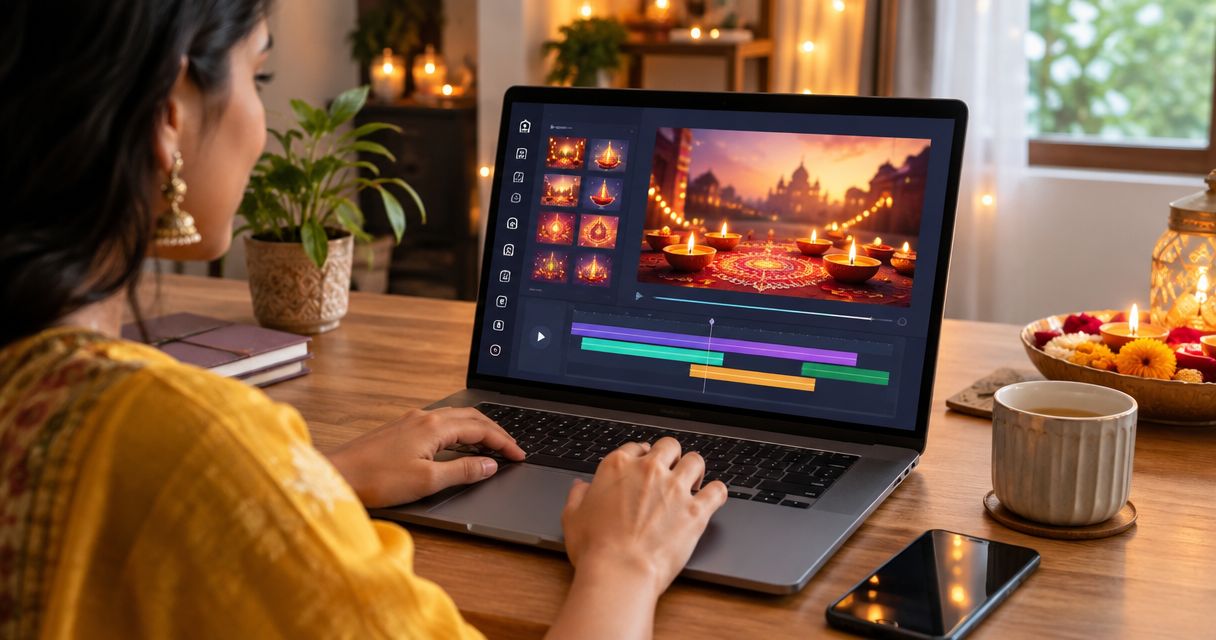
InShot is a mobile video editor for working with photos and video clips. It suits a greeting built from a recorded message, family footage or pictures already on your phone.
Trim away the parts that do not support your wish. Put the most meaningful moment near the beginning, then add text where it helps the viewer understand the memory. Let a spoken message remain audible instead of covering it with music.
InShot pros:
- Fits a phone-based editing workflow.
- Useful for trimming and arranging your own clips.
- Supports a personal greeting led by real family memories.
InShot cons:
- You need suitable photos or footage to begin.
- You are responsible for the sequence, text placement and audio balance.
Best for: A brother or sister making a greeting from phone-recorded memories.
Verdict: Choose InShot for a personal montage; skip it when you want an already-designed animated greeting.
5. VN: best for controlling a multi-clip story
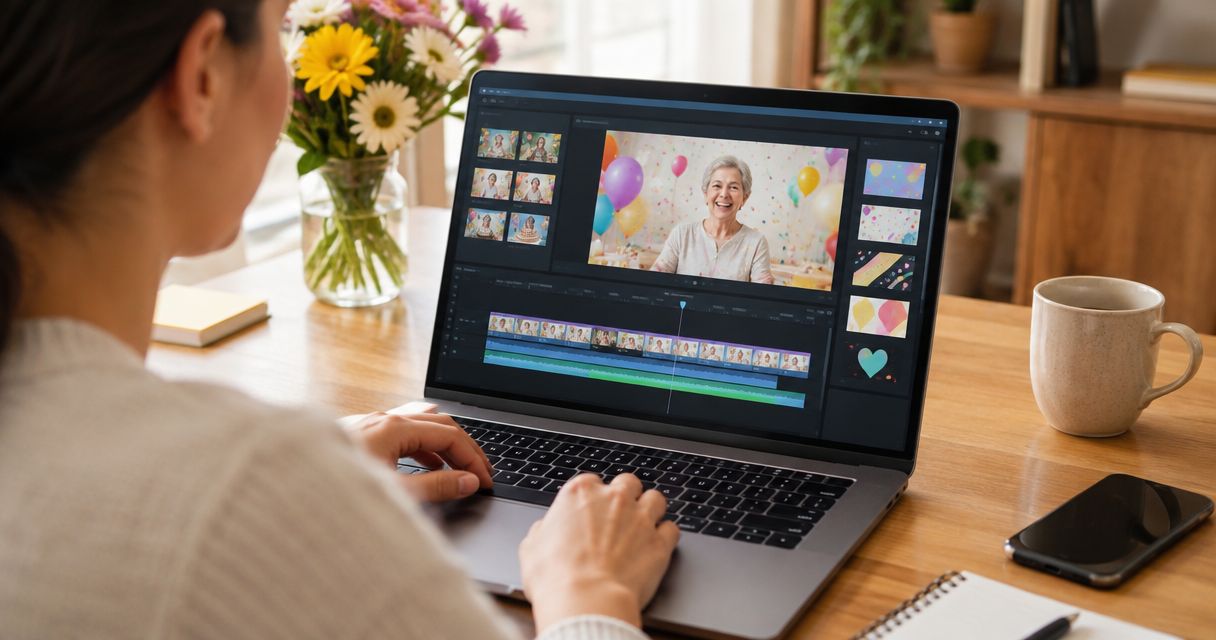
VN is a video editor with a timeline-based workflow. It fits a Raksha Bandhan greeting where the order of clips, cuts and audio matters more than a ready-made festival design.
Use it when you want to build a small story: an old memory, a present-day message and a closing wish. Decide the sequence before adding effects. Otherwise, editing choices can distract from what you want to say.
VN pros:
- A timeline helps you organise several clips.
- Suits greetings built around footage and audio.
- Gives an editing-focused alternative to layout-first tools.
VN cons:
- Requires more editing decisions than template customisation.
- You must create the festival context through your own content and text.
Best for: Someone comfortable arranging a greeting scene by scene.
Verdict: Choose VN for timeline control; skip it when a simple personalised template will do.
How to make a greeting that feels personal
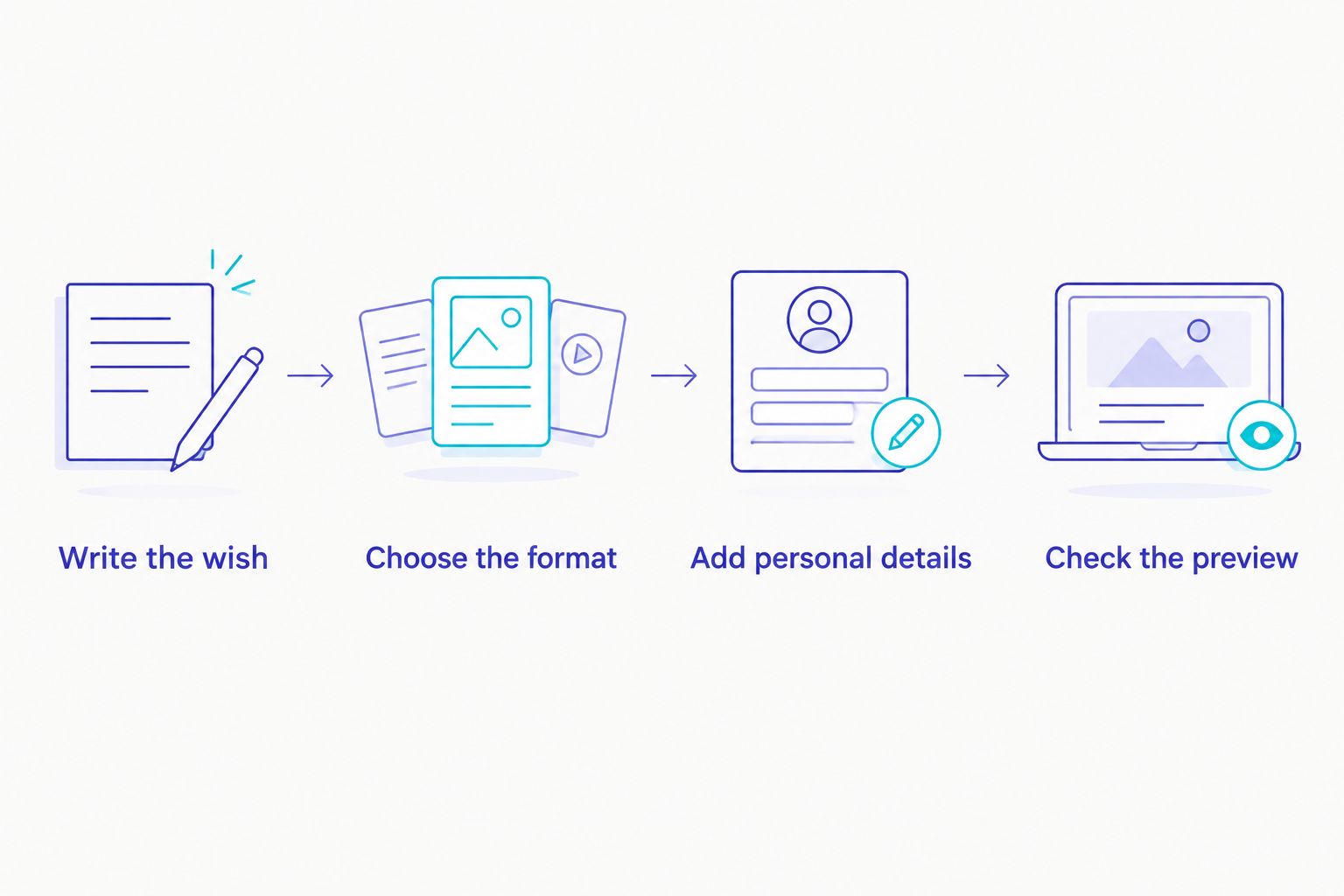
Write the wish
Write your message before opening the editor. Address your brother or sister directly, mention a real memory and end with a clear wish. If your family normally speaks Hindi, Tamil, Bengali or another language, use that voice rather than formal English just because the tool opens in English.
Choose the format
Decide where you will share the greeting before building it. Use portrait 9:16 for a full-height vertical design, square 1:1 for a square composition, or landscape 16:9 for a widescreen composition. Confirm that your chosen tool and template support the shape you need.
Add personal details
Use a name, a meaningful photo or a recorded message where the project allows it. A childhood picture with a specific memory can say more than a page of generic wishes. Keep important faces away from text and decorative elements.
Check the preview
Watch the greeting from start to finish on a phone. Check spelling, line breaks, image crops and audio. For a 2026 greeting, also inspect any year shown in the design so you do not share outdated text.
If the selected template offers a free watermarked preview before payment, use it to check the complete greeting. Confirm the final export conditions separately; a preview and a finished download serve different purposes.
Read the message aloud once before sharing. If it sounds unlike something you would say to your sibling, simplify it. You are making a family greeting, not an announcement.
Start with a greeting template
Browse animated greeting options and choose a design that fits your message.
How these recommendations are organised
These recommendations separate template customisation, visual layout, mixed media, mobile montage editing and timeline control. Those are different jobs, so each tool has its own use-case slot.
Choose against your starting material and editing confidence. Check the current template, language rendering and export conditions inside the selected tool before finishing your 2026 greeting.
Which Raksha Bandhan video maker should you choose?
Choose Selfanimate for a template-based animated greeting when you do not want to learn editing. Choose Canva when you want to arrange the visual design yourself, or Adobe Express when the greeting combines designed text, photos and clips.
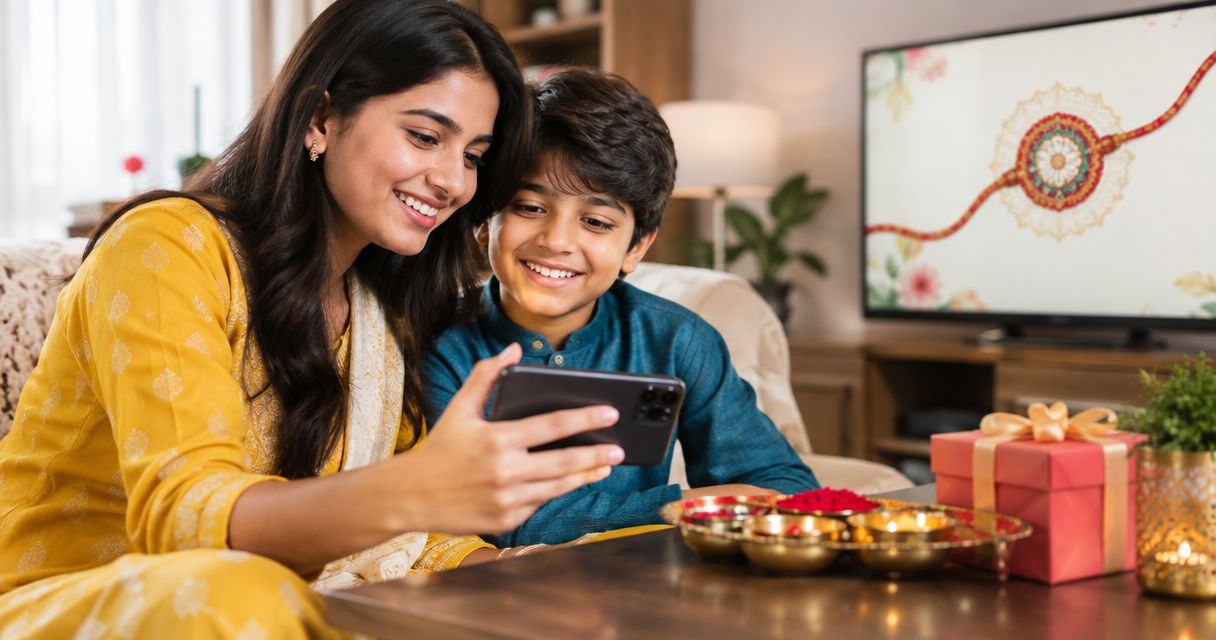
If your best material is already on your phone, choose InShot for a memory montage. Choose VN when you want to control a multi-clip sequence on a timeline. The deciding question is simple: are you customising a greeting, designing a layout or editing a story?
FAQ
What's the best raksha bandhan wishes video maker for beginners?
Selfanimate fits beginners who want to customise animated greeting templates without editing skills. Choose a template-led workflow when your priority is a personal wish rather than detailed footage editing.
Is Canva better than InShot for a Rakhi greeting?
Canva is the better fit for designing a photo-and-text layout; InShot is the better fit for editing phone clips. Choose according to whether your greeting starts with a design or with recorded memories.
Can I make a Raksha Bandhan video in Hindi?
Use a tool and template that correctly render your Hindi message. Preview the exact text, including names and line breaks, before finishing the video; check other Indian languages the same way.
What should I write in a Raksha Bandhan wishes video?
Write a direct wish, a shared memory and a personal closing line. A message in your everyday family voice feels more personal than a collection of generic festival phrases.
Which video shape should I choose for my greeting?
Choose the shape that matches where you will share it. Portrait 9:16, square 1:1 and landscape 16:9 are common options; check that the selected template supports your intended format.
Should I check a watermarked preview before payment?
Yes, use a free watermarked preview before payment when the selected template offers one. Check spelling, photos, timing and audio, then confirm the final export conditions separately.
How do I make a Raksha Bandhan greeting for a sibling abroad in 2026?
Build the greeting around a shared memory and a message your sibling will recognise. Preview the finished video on a phone, then send it through the channel you normally use together.
One last thing
Remove any line that could be sent unchanged to every sibling. Replace it with something only your brother or sister will understand: a nickname, a remembered journey or a small thank-you. That detail gives the video its reason to exist.