Best overall: Selfanimate for a template-led animated invitation. Best for a custom layout: Canva. Best for an invitation built around your own family footage: CapCut. This 2026 guide helps you choose a pahadi wedding invitation video maker based on the video you want to send, not an assumed Pahadi design.
- Selfanimate is the best pahadi wedding invitation video maker here for families who want to customise an animated template without editing skills.
- Choose Canva when layout and wording matter most; choose CapCut when family footage is the main feature.
- Check names, event details and language with your family before sharing the finished invitation.
Why this matters
A Pahadi wedding invitation has to sound like your family. The words, language, music and images should come from the people hosting the celebration, not from a tool's idea of what a Pahadi wedding looks like. That is especially important when relatives in India and abroad will receive the same video.
Start with the material you already have. If you have names and event details but little footage, an animated template gives you a starting point. If you have photographs or clips that tell the story, choose a tool that lets those take the lead. In 2026, the right maker is the one that fits your material and gives you enough control to check every detail before you share.
What makes the best Pahadi wedding invitation video maker?
Use these criteria before picking a template or opening an editor:
- Room for your wording: Can you make the names, invitation text and event details clear without squeezing them into a layout that does not fit?
- Control over the look: Can you choose images and colours that suit the couple and their family, rather than relying on a generic regional label?
- Fit for your material: Does the tool work better with a ready-made design, family photos or original video clips?
- Editing effort: Will you be comfortable making changes yourself, especially if an event detail needs correcting?
- A final viewing check: Can you review the completed video for spelling, readability and sound before sending it?
Do not choose on the word “Pahadi” alone. A suitable design with accurate family wording beats a labelled template that gets the details wrong. These criteria shape the 2026 picks below.
Best makers at a glance
| Maker | Best for | Standout feature | Key limitation |
|---|---|---|---|
| Selfanimate | A template-led animated invitation | Customisable invitation videos without editing skills | A template may not fit every family's preferred wording or visual style |
| Canva | A layout shaped around your own text and images | Flexible graphic and video design | You still have to make the design feel specific to your family |
| CapCut | An invitation led by family footage | Clip-based video editing | It asks you to do more of the editing yourself |
The table is a decision guide, not a claim that any maker has a verified Pahadi-specific template. Open the design you plan to use and check what you can change. If the main invitation text or the event details do not sit clearly on screen, pick another starting point.
1. Selfanimate: best for a template-led animated invitation
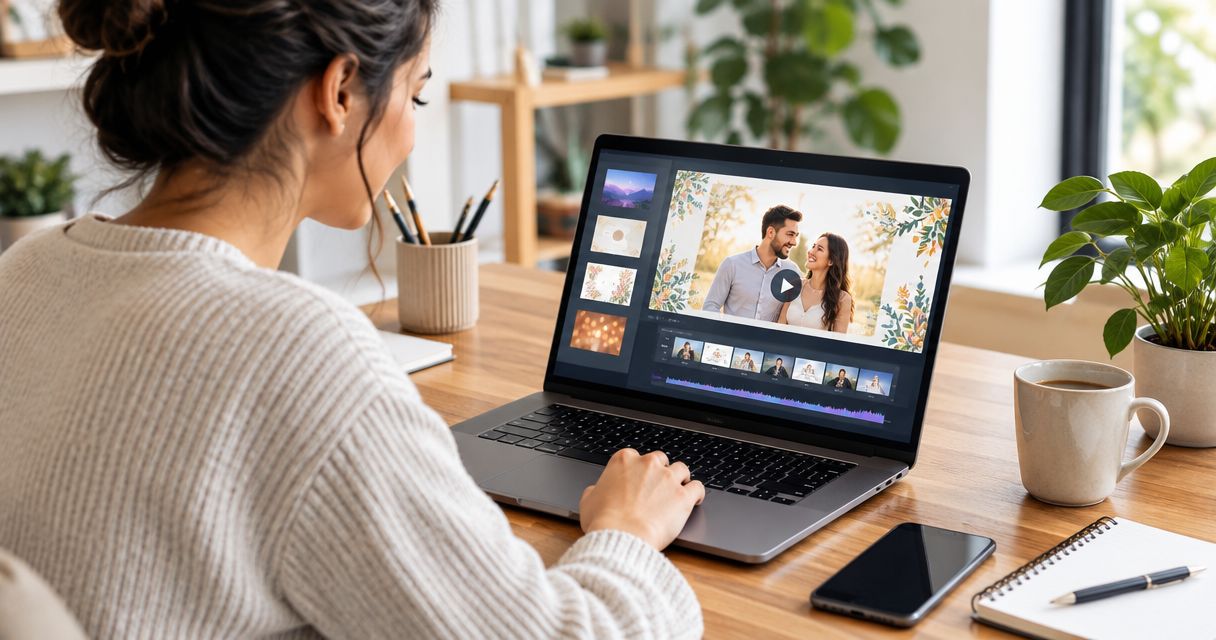
Selfanimate is an online maker for customising animated invitation and greeting videos from templates. You can start with a wedding invitation design without needing editing skills. That makes Selfanimate the strongest fit here when you want animation to carry the invitation and you do not have family footage to build around.
Selfanimate pros:
- You can start from an invitation template instead of assembling a video from separate clips.
- The customisation approach suits families who want their own names and details in an animated design.
- You do not need video-editing skills to begin.
Selfanimate cons:
- A template sets the starting structure, so check whether it leaves enough room for all your event wording.
- Do not assume that a design labelled for a region matches your family's language, imagery or preferences; inspect the available designs yourself.
Best for: Families who want an animated wedding invitation and a simple place to start.
Verdict: Buy if a current wedding template suits your family's wording and visual choices. Hold if you want family footage to drive most of the video. For a 2026 invitation, review the design and all editable details before settling on it.
2. Canva: best for a custom invitation layout
Canva is a design tool with video-making options. Choose it when your invitation needs a particular arrangement of text, photographs and graphic elements. You can make the family's chosen wording the starting point rather than trying to fit it around an existing animated sequence.
Canva pros:
- Layout control helps when you have more event information to organise.
- You can use your own photographs as part of the design.
- It is a practical choice when a graphic invitation look matters more than elaborate animation.
Canva cons:
- A flexible layout still needs design decisions from you; the tool does not choose culturally appropriate wording.
- You must check that text remains readable as the video plays, not just while you edit a frame.
Best for: Families who know the wording and visual style they want and prefer to arrange it themselves.
Verdict: Buy if control over text and images is your priority. Hold if you would rather customise a prepared animated invitation than build its layout. For a Pahadi wedding invitation in 2026, ask the family to approve the wording before you spend time polishing the design.
3. CapCut: best for an invitation built from family footage
CapCut is a video editor built for working with clips. It fits an invitation where personal footage is the main feature and event details appear alongside it. You bring the story; the editor gives you a way to assemble it.
CapCut pros:
- Your own clips can lead the invitation instead of serving as decoration in a template.
- You can choose which moments appear and in what order.
- It suits a family that already has footage it wants to share.
CapCut cons:
- Selecting and arranging clips takes more hands-on work than customising an invitation template.
- The invitation details need deliberate attention so the video does not become a montage without a clear date or venue.
Best for: Families with meaningful footage and someone willing to edit it.
Verdict: Buy if the footage is the point of the invitation. Skip it for this job if you only need a quick animated message with names and event details; a template-led maker is the simpler starting point. In 2026, choose your tool around the material you actually have, not the video you hope to film later.
Make the invitation in four decisions
Choose the maker first, then work through the same checks whichever one you picked. Keep the invitation easy to understand for a relative watching it without you beside them. A beautiful opening does not help if the ceremony details disappear too quickly.
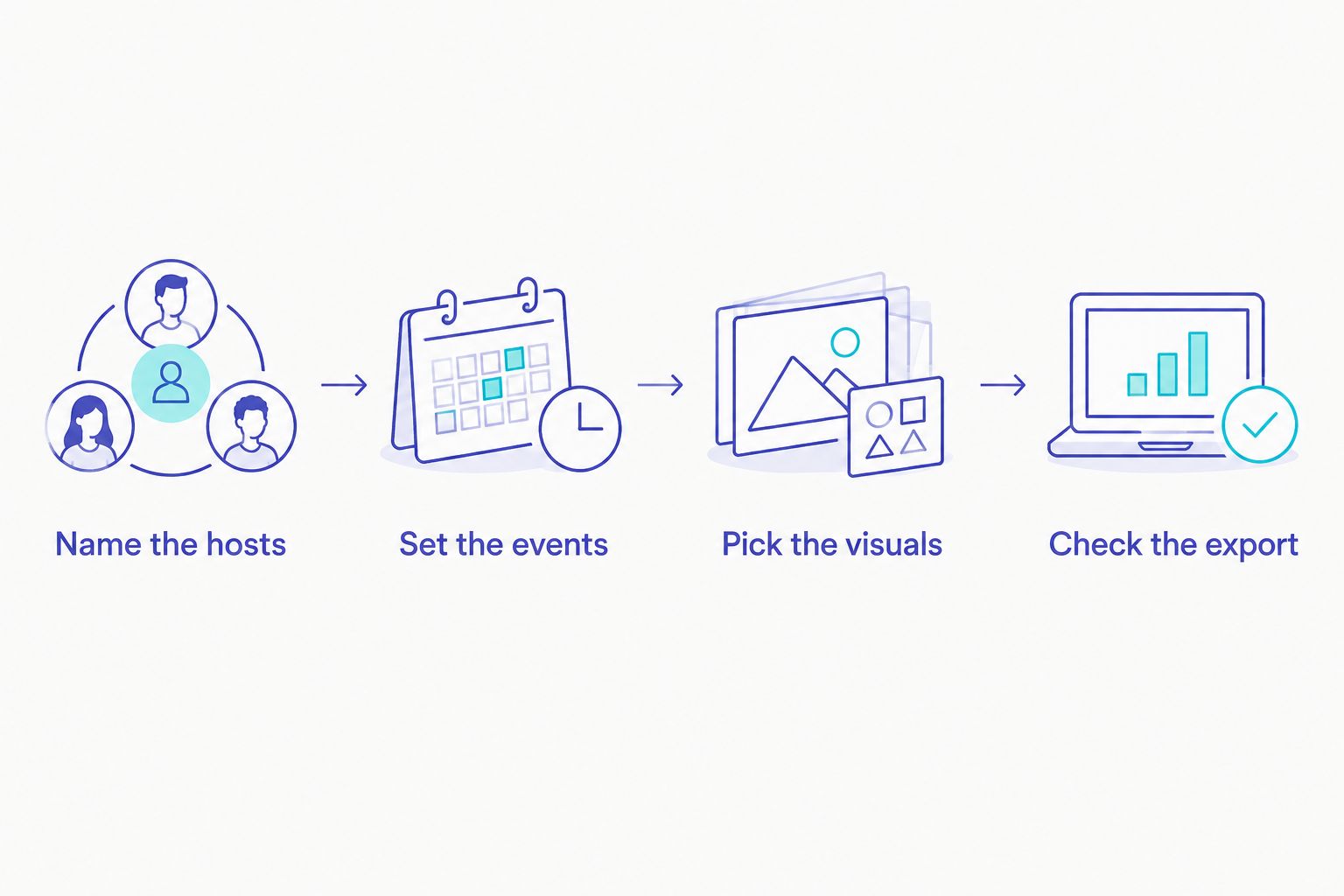
- Name the hosts: Confirm whose names should appear and how each name should be spelled. If relatives use different forms of a name, agree on the invitation wording before editing.
- Set the events: Write down each event you are inviting people to, with its date, time and location. Keep separate events distinct so a guest does not mistake one gathering for another.
- Pick the visuals: Choose family-approved photos, footage, colours or imagery. If you want a regional reference, ask the family which details feel right rather than adding them because they look traditionally Pahadi.
- Check the export: Watch the finished video as a guest would. Read every screen, listen to the sound and confirm that the information you intend to share is present in the final file.
A short list of approved wording saves repeated edits. Keep 1 agreed version of the names and 1 agreed version of the event details where everyone making the video can refer to them. Those are workflow choices, not rules about how a wedding invitation must look.
The final viewing check matters for any maker. If the date is correct in the editor but wrong in the file you send, the editor view cannot fix the invitation your guests receive. Watch the actual finished video before sharing it with the family for approval.
Start your wedding invitation
Browse animated invitation templates and choose a design that suits your family's wording.
How these makers were ranked
The ranking follows the kind of work each maker asks you to do. Selfanimate comes first for someone searching for an invitation video maker because its template-led approach starts with animated invitations and does not require editing skills. Canva moves ahead when layout freedom matters more than a prepared animation. CapCut is the better fit when original clips, rather than a template, should tell the story.
The limitations matter just as much as the advantages. No tool can verify your family's preferred wording, and a regional label cannot do that work for you. Treat the ranking as a way to pick an editing approach, then judge the actual design against the event details you need to communicate.
Which Pahadi wedding invitation video maker should you choose?
Choose Selfanimate if you want to customise an animated wedding invitation from a template. That is the default choice for a family starting with words and event details rather than video clips. Choose Canva if you want to control the layout yourself. Choose CapCut if you already have footage and want that footage to lead.
Before you commit to any 2026 design, show a draft to the people named in it. Ask them to check spelling, events and whether the imagery feels like their celebration. That approval is more useful than any generic Pahadi label.
FAQ
What is the best pahadi wedding invitation video maker in 2026?
Selfanimate is the best fit here for a template-led animated wedding invitation that you can customise without editing skills. Choose Canva for more layout control or CapCut when family footage should lead.
Can I make a Pahadi wedding invitation video without editing skills?
Yes. Selfanimate lets you customise animated invitation videos from templates without editing skills. You still need to check that the chosen design fits your family's wording and event details.
Is Selfanimate better than Canva for a wedding invitation?
Selfanimate is the better starting point for a template-led animated invitation; Canva is better when you want to arrange the text and images yourself. Choose based on the work you want to do, not a regional label.
Should I use CapCut for a wedding invitation video?
Use CapCut when you have family clips you want to make central to the invitation. If you mainly need names and event details in an animated design, a template-led maker is a simpler fit.
What should a Pahadi wedding invitation video include?
Include the names, events, dates, times and locations your family has approved. Ask the hosts to confirm the language and imagery rather than assuming one style represents every Pahadi family.
How do I check a wedding invitation video before sending it?
Watch the finished file and check every name, event detail and screen of text. Ask the people named in the invitation to approve the final version before sharing it with guests.
One last thing
The strongest regional detail might be the wording your family actually uses, not an image chosen from a search result. Get that wording right first. Then pick the 2026 video maker that presents it clearly.